
Views Defined Before Equipment
Scene width, subject distance, lighting, and the required recorded detail shape camera selection and placement.
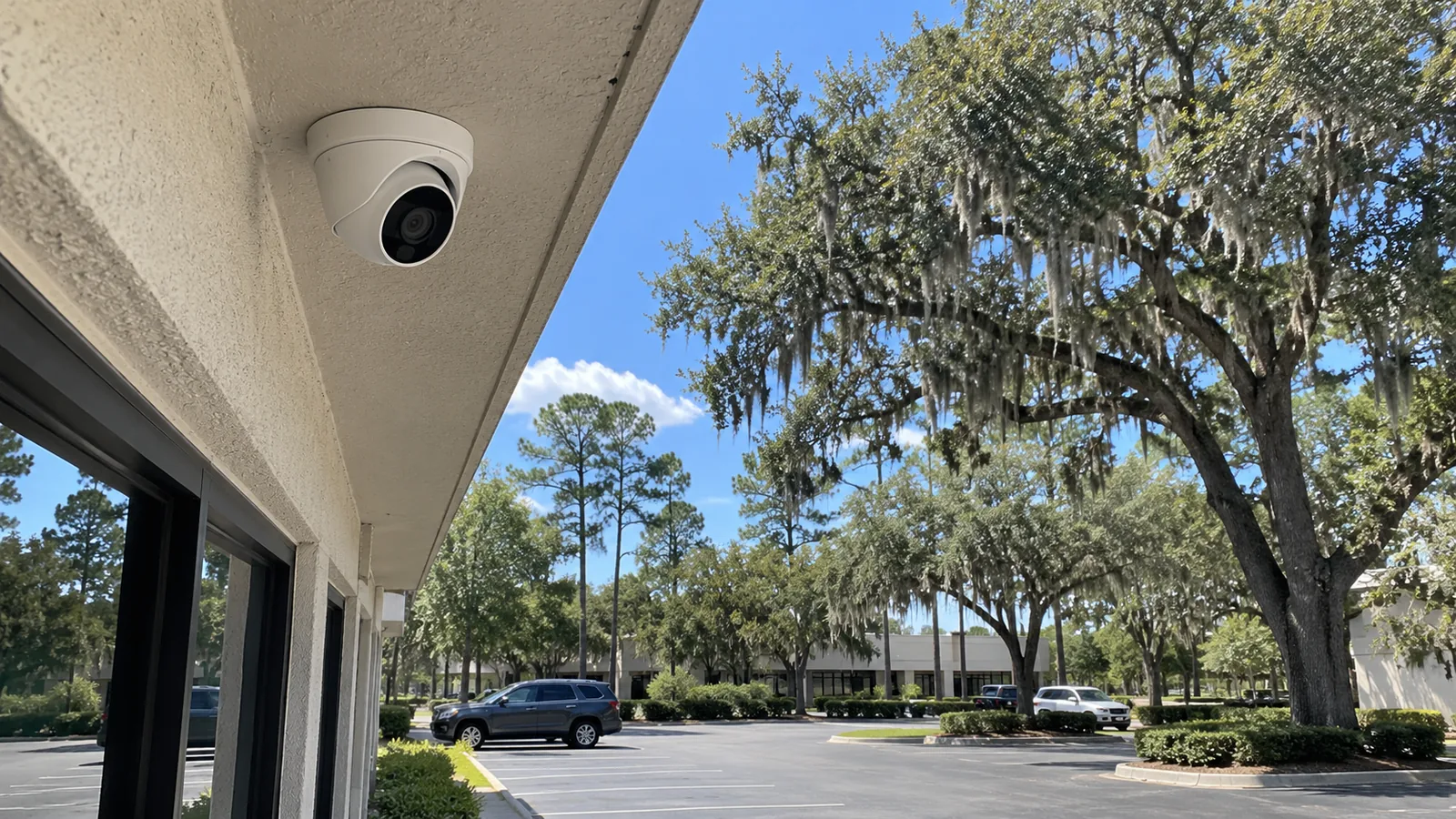
NEW COMMERCIAL CAMERA SYSTEMS
A new camera system should begin with the events the property needs to review, not a device count. Entrances, docks, production areas, parking, gates, and interior work zones each require a deliberate view and recording objective.
Data Pro Communications develops the camera placement, pathways, PoE, recording, remote access, and commissioning plan around verified Ocala property conditions.
Scene width, subject distance, lighting, and the required recorded detail shape camera selection and placement.
Cable routes, PoE capacity, equipment locations, surge exposure, and mounting access are evaluated with the cameras.
Live view, recording, playback, export, naming, time, and authorized access are checked against the approved scope.
Data Pro Communications operates under FL License #EC13016138 for its Florida low-voltage contracting work.
The installation scope connects each required scene to a camera position, lens or field of view, mounting method, pathway, power source, network port, recording profile, retention target, and user workflow.
That connection prevents a clear live image from masking weaknesses elsewhere. A camera can look acceptable during the day yet fail to provide useful recorded detail after lighting changes, compression, motion, or an obstructed approach.
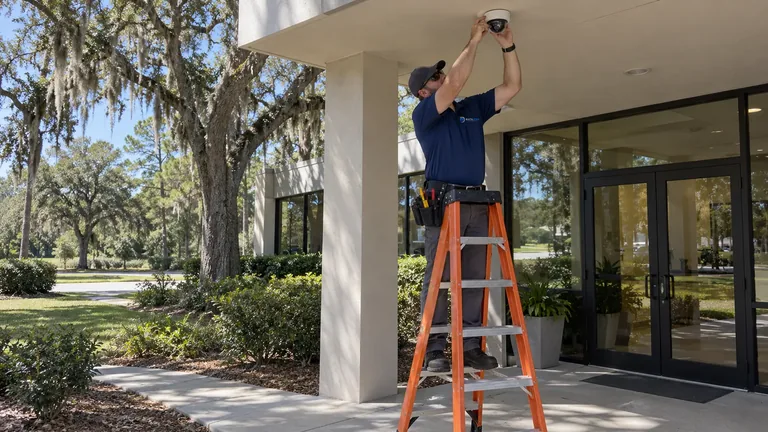
Walls, shelving, parked vehicles, landscaping, rooflines, and changing work areas can interrupt coverage that looked complete on a plan.
Finished ceilings, fire-rated assemblies, exterior transitions, long distances, and occupied rooms can change the feasible route and installation sequence.
A position may provide a useful angle but create avoidable difficulty for aiming, cleaning, replacement, or future cable inspection.
Camera count, resolution, frame rate, motion, retention, and export needs must reach the recorder plan before equipment is ordered.
Match camera view and recorded detail to entrances, lanes, counters, docks, yards, interiors, or controlled areas.
Select stable positions and practical cable routes that account for weather, access, structure, and future service.
Confirm switch power budgets, port capacity, uplinks, racks, UPS needs, and recorder locations that support the installed cameras.
Apply camera names, recording schedules, retention settings, roles, remote access, and export workflows for authorized users.
Verify representative day and night scenes, playback, timestamps, event search where applicable, and system documentation.
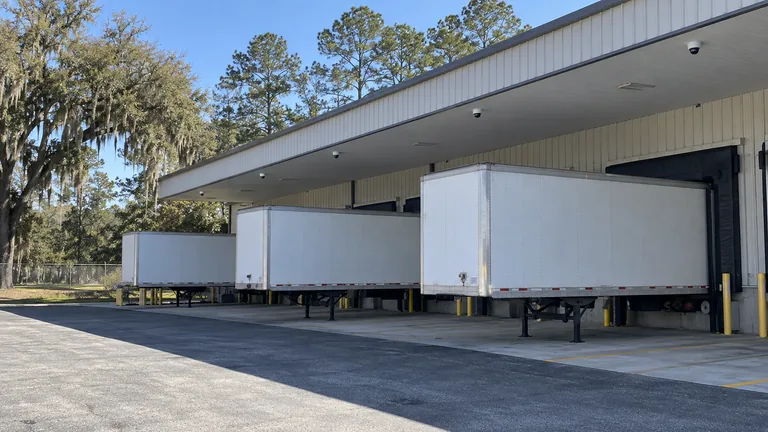
Add documented dock, receiving, yard, and interior coverage while coordinating installation around active operations.
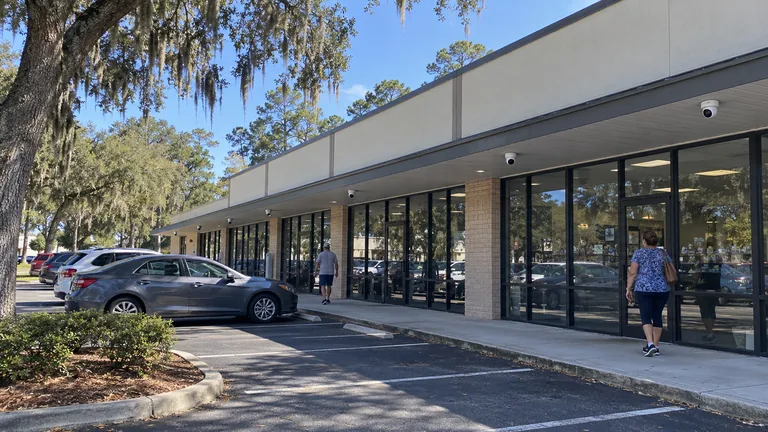
Plan entrances, reception, controlled rooms, and parking with discreet pathways and defined administrative access.
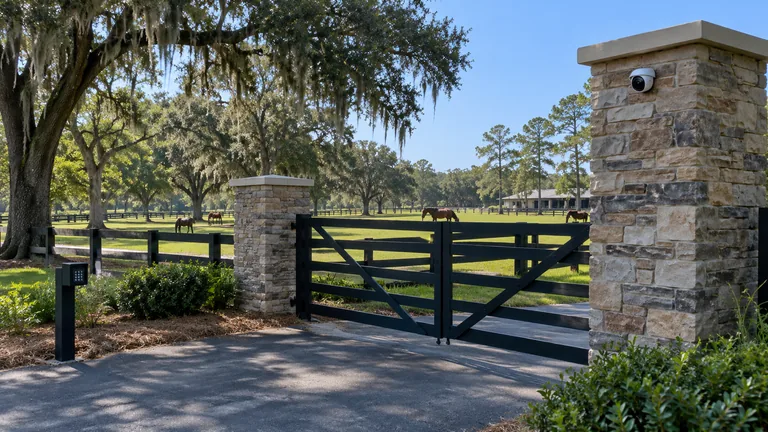
Connect gates, barns, arenas, and detached structures with camera views supported by suitable backbone connectivity.
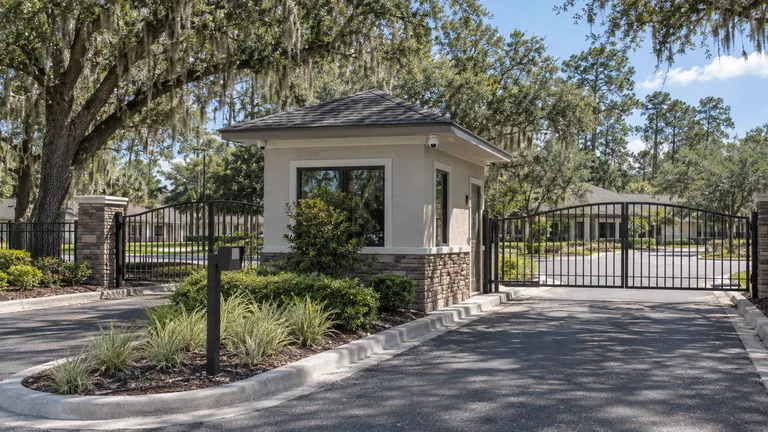
Establish coverage for entries, amenities, shared buildings, and parking while clarifying who owns accounts and exports.
Separate wide situational awareness from face, transaction, asset, or plate-detail objectives that need tighter views.
Review backlight, headlights, reflections, low illumination, seasonal changes, and artificial lighting at the intended mounting position.
Keep copper within appropriate limits and identify when fiber or a surveyed outdoor link is needed for remote structures.
Check estimated camera throughput, storage, retention, and export requirements against the selected recorder or VMS.
Structured cabling, switching, fiber, or point-to-point wireless may be needed to carry video and power from the selected camera positions. Those elements are sized from the camera plan rather than treated as generic network improvements.
Gate entry, access control, and intercom can share event context with cameras when the platforms and workflow support it, while each entry system retains its own operational responsibility.
Occupied professional buildings often emphasize clean routing, work-hour coordination, and privacy-sensitive areas. Warehouses and industrial sites add height, broad views, vehicle movement, dust, exterior exposure, and longer pathways.
Professionally operated horse farms and training facilities may spread coverage across entrances, barns, arenas, equipment areas, and detached buildings. The camera scope remains focused on the required video scenes, while fiber or point-to-point wireless may support connectivity between distant structures.
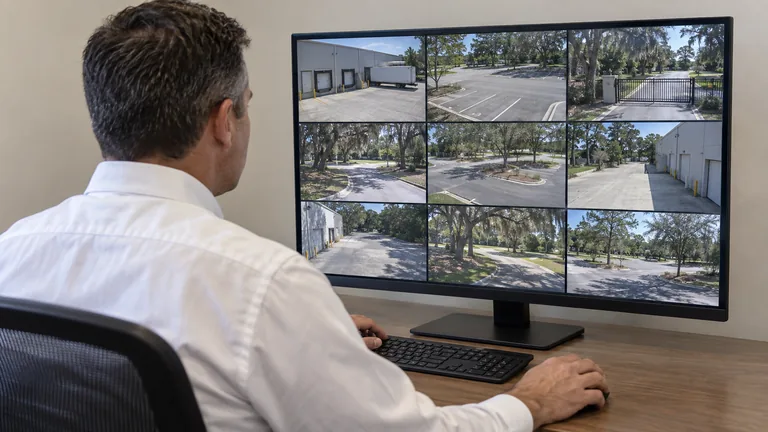
Use the IP video service when PoE topology, switching, bandwidth, segmentation, and remote-building uplinks become a central design question.
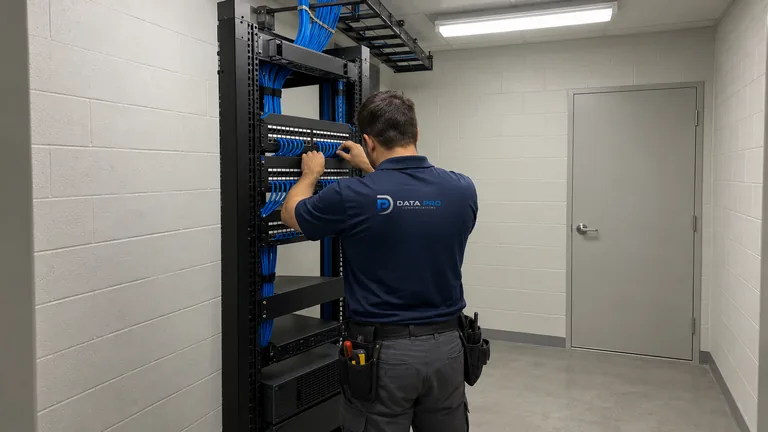
Move into the recording service when retention, playback, export, user permissions, or multi-site remote access needs a deeper operational plan.
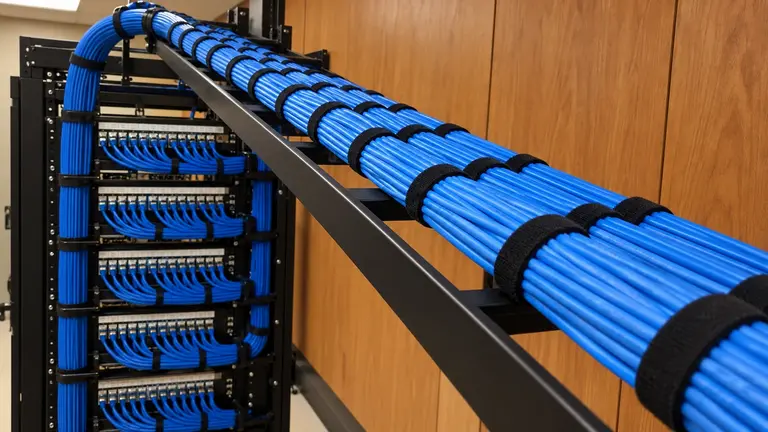
Use the cabling solution for pathway construction, cable selection, testing, labeling, patching, and equipment-room terminations.
New-installation work is relevant when offices, warehouses, healthcare sites, managed properties, or large operating environments need documented views, pathways, recording, and commissioning built as one approved system.
Identify the property events, user questions, and evidence detail each view is expected to support.
Walk the scenes, lighting, obstructions, access, cable routes, equipment rooms, PoE, and recording environment.
Complete pathways, mounting, device installation, equipment connections, naming, and configured recording profiles.
Review live and recorded scenes, playback, export, authorized accounts, limitations, and documentation with the property team.
Data Pro Communications operates under FL License #EC13016138. Camera positions, pathways, equipment, integrations, user access, and acceptance checks remain specific to the approved property scope.
Questions and answers
List the entrances, work areas, assets, lanes, yards, or buildings that need coverage and explain what authorized users must be able to determine from recorded video.
Locations are evaluated for scene width, subject distance, lighting, obstructions, mounting stability, cable access, weather exposure, serviceability, and the detail required from the recorded image.
Possibly, after the relevant cable type, condition, test results, switch capacity, PoE budget, uplinks, and equipment locations are verified against the new design.
Commissioning can include aiming, focus, image settings, naming, time synchronization, recording, retention, playback, export, user access, remote viewing, and review of known limitations.
The survey considers existing light, backlight, headlights, reflections, infrared behavior, subject movement, mounting angle, and whether supplemental lighting is appropriate.
Yes, when power and data transport are feasible. Longer distances may require building-to-building fiber or a surveyed point-to-point link rather than ordinary copper.
No. A public doorway, loading gate, long driveway, and controlled interior door can require different field of view, mounting, exposure, and recorded detail.
Remote access can be included when the recorder or platform, internet connection, account model, and security requirements support it. Authorized roles should be set before handoff.
Not automatically. Plate detail generally requires dedicated geometry, vehicle path, angle, distance, lighting, exposure, and sufficient image size rather than a broad overview view.
Verified conditions are used to define the proposed views, pathways, infrastructure, recording, equipment, responsibilities, and project sequence before installation is scheduled.
Share the property layout, operating areas, required evidence, existing infrastructure, and project stage to begin a camera site-survey conversation.