
Reuse Requires Evidence
Existing cable, mounts, switches, cameras, recorders, and storage are retained only when condition and capability support the next scope.
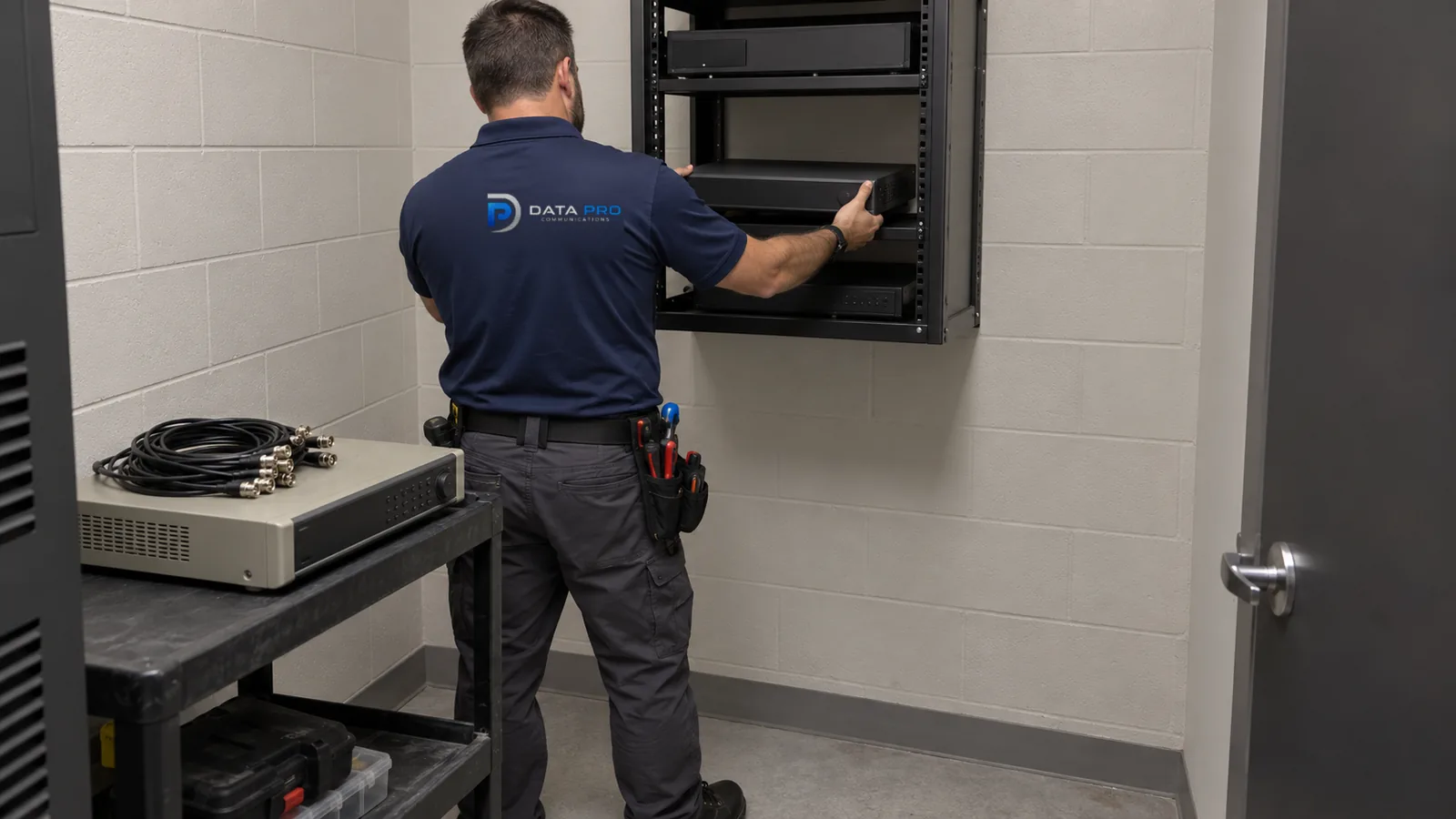
PLANNED MODERNIZATION AND EXPANSION
A camera upgrade is a planned change to a system that still has useful parts but no longer meets the property's coverage, image, recording, access, or expansion needs.
The work begins by identifying what can remain, what limits the next phase, and how cameras, recorder, storage, cabling, network, and user workflow can change without creating an uncontrolled cutover.
Existing cable, mounts, switches, cameras, recorders, and storage are retained only when condition and capability support the next scope.
Replacement groups, temporary coverage, recorder transitions, account changes, and downtime are coordinated around the property schedule.
New areas add camera streams, PoE demand, storage, uplink traffic, licenses, and administrative work that the old design may not support.
An upgrade project may begin with an analog, IP, or hybrid system. The defining factor is the planned improvement or expansion, not the original camera technology.
A higher-resolution camera may not improve evidence if the lens, lighting, cable, switch, recorder, storage, monitor, or export workflow remains the bottleneck. The upgrade plan should trace the desired improvement through the full system.
Selective reuse can control disruption and cost, but retained components also carry age, capacity, compatibility, and support limits. Those constraints should be documented before a phased sequence is approved.
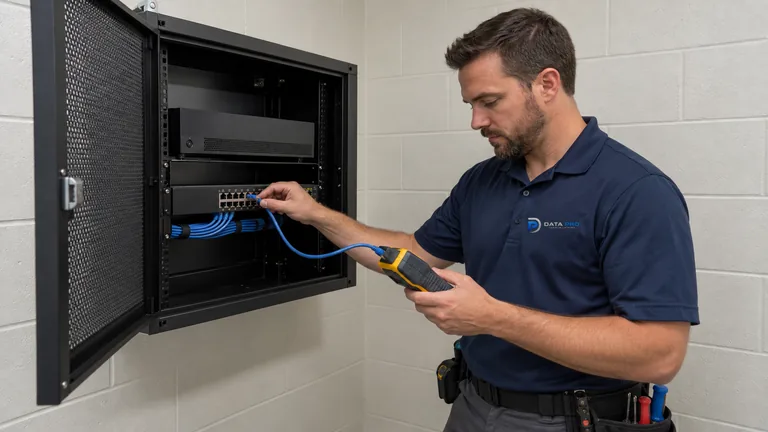
Older cameras, new recorders, legacy protocols, firmware, licenses, and client software may not support the same features or streams.
More detail, higher frame rates, additional cameras, or longer retention can exceed the current recorder and drive capacity.
Available PoE ports, power budget, uplinks, fiber capacity, and rack space may be insufficient for new coverage.
Replacing equipment without a phased sequence can create avoidable evidence gaps during active operations.
Record camera models, recorder or VMS, cabling, switches, mounts, storage, licenses, accounts, and supported features.
Classify components as reusable, conditionally reusable, incompatible, end-of-life, or requiring field testing.
Align incoming throughput, retention, playback, analytics, export, and user needs with the updated platform.
Add entrances, yards, buildings, gates, or work areas while accounting for pathways, PoE, uplinks, licenses, and retention.
Sequence device groups, migrations, credentials, temporary coverage, testing, and documentation to fit the operating property.
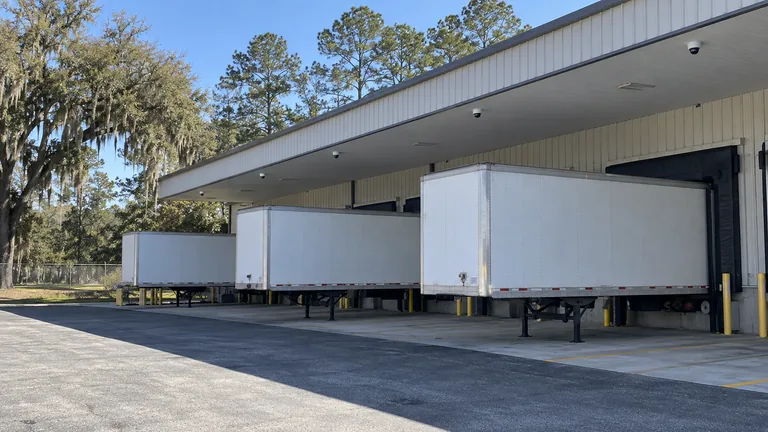
Extend the system to new loading, trailer, or perimeter areas while expanding network and storage capacity.
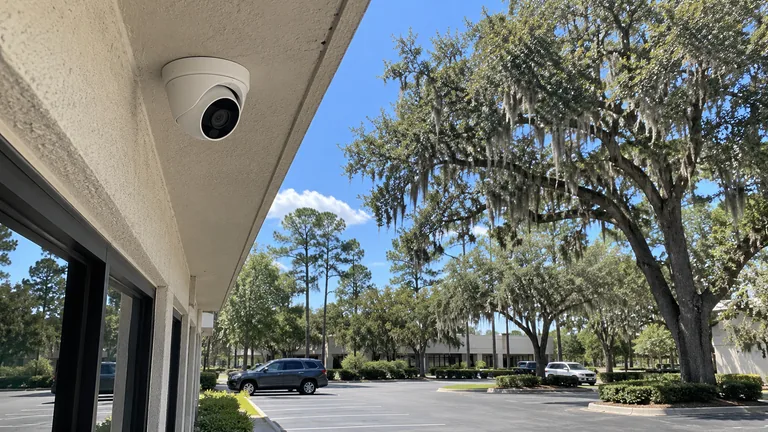
Replace selected cameras, lenses, or lighting strategy where overview video does not provide the required detail.
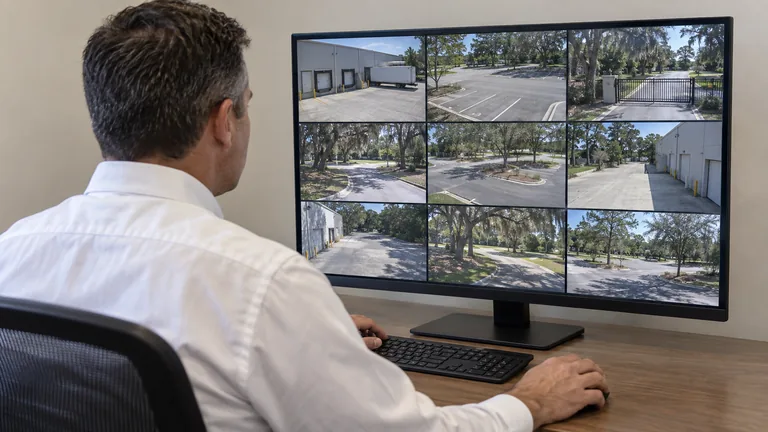
Move from shared or obsolete viewing methods to supported accounts, clients, permissions, and recovery procedures.
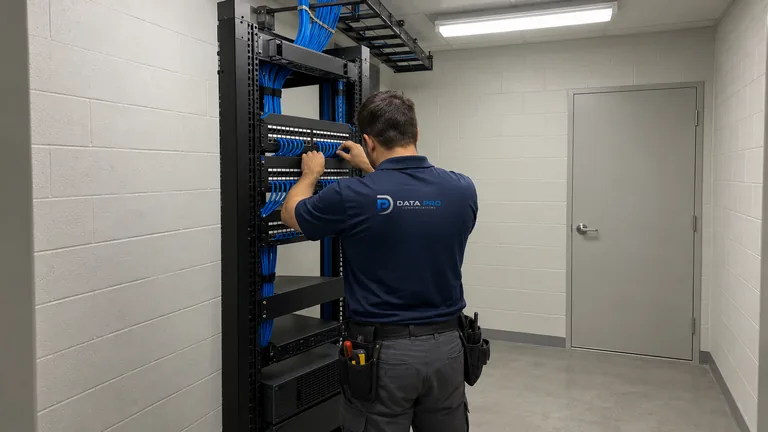
Upgrade one structure or camera group at a time while preserving useful coverage elsewhere.
Confirm protocols, codecs, resolutions, event metadata, firmware, licensing, and feature behavior between retained and new devices.
Review cable condition, switch speed, PoE budget, uplinks, fiber, outdoor links, and rack capacity for increased camera demand.
Model recorder throughput, storage, retention, client decoding, export, and analytics load after the proposed changes.
Identify acceptable downtime, temporary views, account migration, training, documentation, and rollback needs for each phase.
New cameras or analytics may require changes to PoE switching, backbone fiber, outdoor links, recorder hardware, client workstations, or account security. Each supporting change should be tied to the improvement it enables.
Access control, gate entry, or intercom integrations may need revalidation when cameras, recorders, software, or event interfaces change, even if the entry equipment itself remains.
Warehouses, manufacturing sites, healthcare offices, and managed properties may not tolerate broad camera downtime. Upgrade groups can be organized around shifts, occupied areas, evidence priorities, and equipment-room access.
Large equestrian or gated properties may have different generations of cameras across barns, entrances, arenas, and remote structures. A phased plan can preserve workable views while backbone, recording, and remote access are modernized in a controlled order.
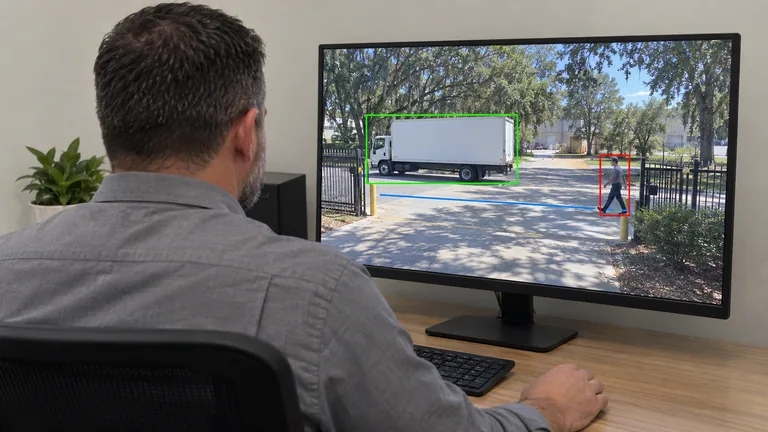
Use this service when recorder throughput, storage, retention, playback, export, or account access is the main modernization driver.
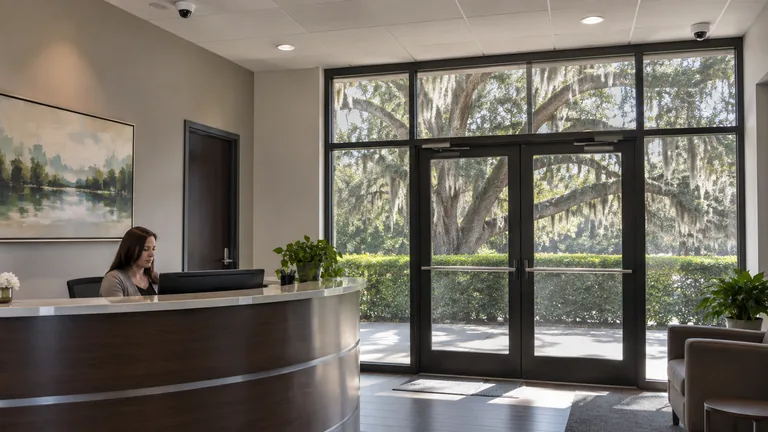
Review analytics when upgraded cameras or platforms are expected to support event search, classification, or tuned alerts.
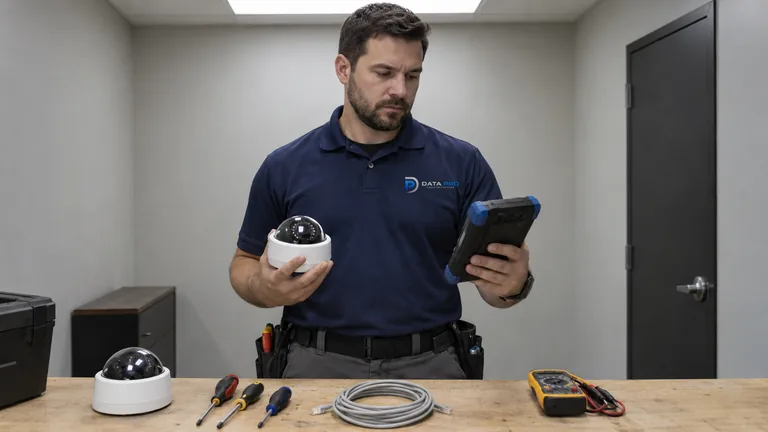
Isolate a specific fault before assuming broad replacement; the diagnostic result may show that only one layer needs correction.
Phased upgrades fit warehouses, manufacturing sites, managed communities, healthcare offices, and multi-structure properties where coverage must remain useful while cameras, recording, access, or backbone capacity changes.
Document equipment, coverage, image quality, recording, access, recurring problems, and desired improvements.
Test condition and compatibility, then mark each camera, path, switch, recorder, mount, license, and client for reuse or replacement.
Group changes by area, dependency, downtime tolerance, backbone capacity, recorder transition, and user impact.
Review updated views, recording, exports, analytics where used, accounts, retained components, and documentation after each cutover.
Data Pro Communications operates under FL License #EC13016138. Reuse and replacement decisions depend on verified condition, compatibility, support, capacity, and the required result; no component is promised reusable before evaluation.
Questions and answers
An upgrade addresses planned improvement or expansion across one or more system layers. Repair focuses on diagnosing and correcting a specific fault.
Sometimes, depending on signal type, protocol, codec, resolution, firmware, licensing, adapters, and recorder support. Feature compatibility may differ even when basic video works.
Potentially. Cable type, condition, length, terminations, test results, pathway, electrical exposure, and compatibility with the proposed system must be reviewed.
Usually they can increase bitrate and storage demand, but codec, frame rate, scene activity, recording schedule, and image settings also affect the final load.
Yes. Phasing can group buildings, camera types, recorder transitions, or priority areas while defining temporary coverage, compatibility, and acceptance for each stage.
Only when the property has a defined event workflow and the cameras, scene, recorder or VMS, licensing, and processing can support it.
Possibly, if available ports, PoE power, uplinks, addressing, backbone capacity, recorder throughput, and storage are sufficient for the added streams.
The review can address supported clients, user roles, credentials, multifactor options, internet dependencies, account recovery, licensing, and removal of obsolete access methods.
Use Commercial CCTV when analog channels, coax, hybrid recorders, DVR/NVR transition, and mixed signal generations drive the scope. The upgrade service remains broader and can begin from any architecture.
Record changed devices, retained components, camera names, settings, licenses, accounts, recording behavior, tests, known limits, and the next planned phase.
Share the current equipment, coverage gaps, desired features, expansion areas, and operating constraints to begin a camera modernization review.