
PoE Capacity Is Calculated
Port count and power budget are checked against camera demand, environmental loads, uplinks, and appropriate reserve.
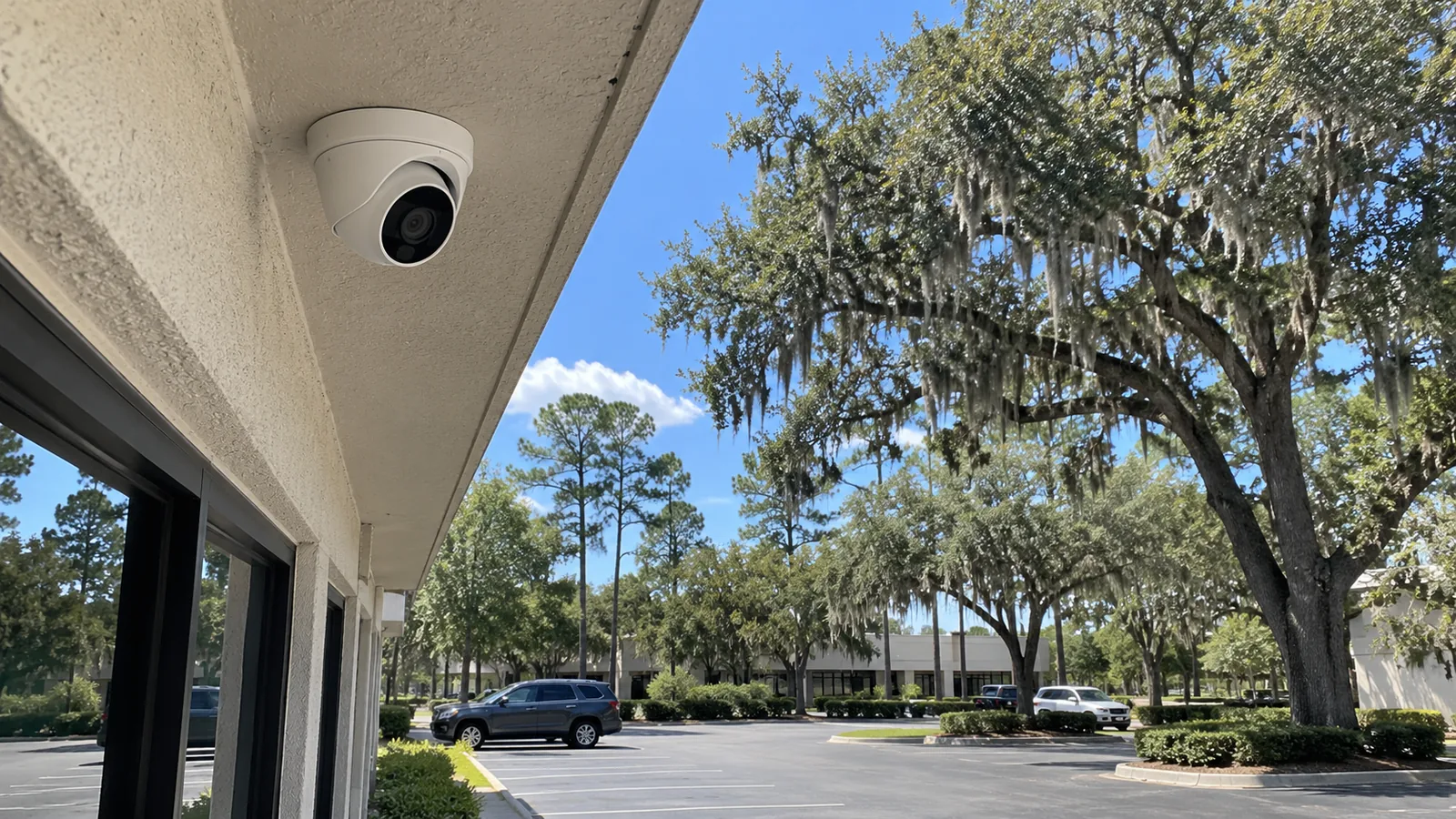
NETWORK-NATIVE VIDEO ARCHITECTURE
IP video surveillance turns every camera into a network endpoint whose performance depends on PoE, switching, uplinks, bandwidth, addressing, and the recorder or VMS receiving the streams.
For Ocala properties with warehouses, detached buildings, barns, yards, or remote equipment rooms, the video design must define how each stream crosses the site without turning the project into a generic business-network scope.
Port count and power budget are checked against camera demand, environmental loads, uplinks, and appropriate reserve.
Camera-to-switch, switch-to-recorder, and building-to-building routes are documented so bottlenecks are not hidden.
Segmentation, addressing, credentials, and remote administration are considered in coordination with the property network team.
Fiber or a surveyed outdoor wireless link may carry camera traffic when detached structures exceed suitable copper paths.
A network camera produces live, recorded, and sometimes analytics traffic that must be powered, switched, transported, stored, and administered. The design should identify each dependency before camera count and resolution are finalized.
IP Video Surveillance covers the video architecture: camera endpoints, PoE access, video uplinks, recorder or VMS relationships, and the bandwidth created by the streams. Broader office connectivity and enterprise networking fall within Network Infrastructure.
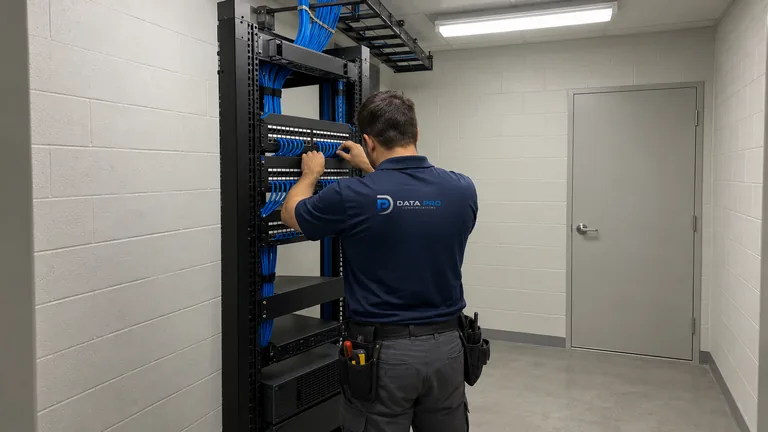
A switch may have open ports but lack the total power needed for infrared, heaters, PTZ movement, or future cameras.
Many high-bitrate streams converging on one link can affect live view, recording, and playback even when individual cameras appear online.
Remote barns, gatehouses, and yard poles need a suitable backbone and electrical-exposure strategy rather than extended copper by default.
Addressing, VLAN, firewall, switch, or credential changes can interrupt video when ownership and documentation are unclear.
Define resolution, frame rate, codec, bitrate, PoE class, addressing, and supported stream behavior for each camera role.
Lay out access switches, port allocation, power budgets, uplink capacity, and redundant paths where the scope calls for them.
Work with the property network owner on video VLANs, routing boundaries, administrative access, and approved remote management.
Connect remote structures through backbone solutions whose capacity, mounting, weather, and line-of-sight conditions suit the video load.
Confirm how camera streams reach recording servers, client stations, mobile users, and event integrations without confusing transport with retention planning.
Distribute cameras across docks, aisles, yards, and offices using local switches and uplinks sized for concentrated video traffic.
Carry streams from detached equestrian buildings toward a central recorder using fiber or a surveyed wireless bridge.
Support pole, perimeter, gate, and equipment-area cameras with weather-conscious enclosures, power, surge strategy, and resilient uplinks.
Separate camera access by building while keeping authorized central viewing and recording available to the operations team.
Estimate stream load from codec, resolution, frame rate, scene activity, analytics, and recording profiles rather than camera count alone.
Compare per-device requirements and environmental features with switch and midspan capacity under realistic operating conditions.
Choose copper, fiber, or point-to-point wireless according to distance, bandwidth, electrical environment, physical pathway, and service access.
Document camera, switch, server, and client administration so routine network changes do not orphan the video system.
Network Infrastructure may supply enterprise switching, routing, wireless, internet, and cybersecurity policy. IP Video translates camera demand into the ports, PoE, bandwidth, segmentation, and uplink requirements that the network must support.
NVR or VMS platforms consume the streams and provide retention, playback, export, permissions, and remote access. That operational evidence layer is addressed separately from the transport architecture.
Distribution centers and industrial sites may concentrate many cameras at docks and yards while keeping recorders in a protected equipment room. Uplink capacity and switch placement become as important as the camera view.
Equestrian and large gated properties can add barns, arenas, gatehouses, and remote poles beyond a single-building network. A backbone decision must reflect actual distance, available power, line of sight, lightning exposure, and maintenance access.
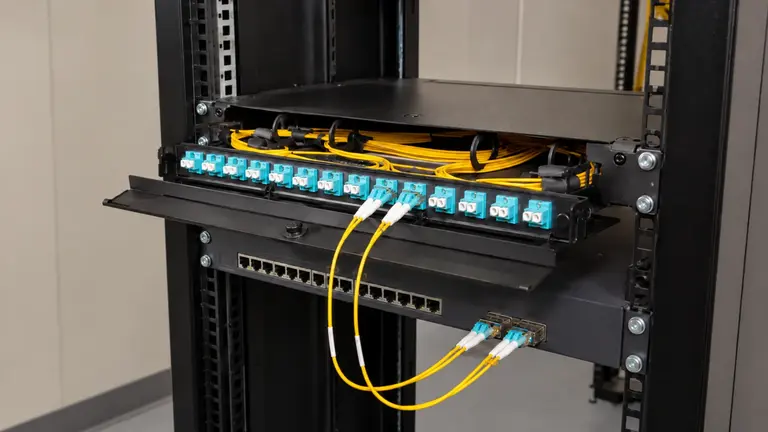
Use this solution for the broader switching, routing, managed Wi-Fi, business connectivity, and equipment organization outside the camera transport scope.
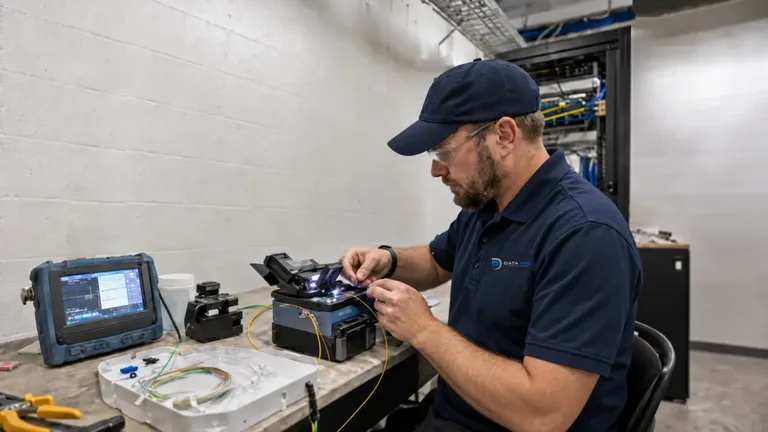
Building-to-building fiber provides high-capacity, electrically isolated backbone paths for remote camera groups and equipment rooms.
Use the recording service to define retention, storage, playback, export, user roles, and authorized remote access after streams reach the evidence platform.
IP video becomes especially relevant in distribution, industrial, campus-style, equestrian, and multi-building properties where PoE zones, equipment rooms, backbone links, and concentrated camera traffic shape the design.
Locate telecom rooms, switches, power, fiber, outdoor links, recorders, and the buildings or poles that need cameras.
Define expected streams and PoE demand, then compare them with available ports, budgets, uplinks, and backbone capacity.
Install or configure the approved camera access, transport, addressing, and building connections with the network owner.
Review live and recorded behavior, switch status, throughput, remote paths, and documentation while representative cameras are active.
Data Pro Communications operates under FL License #EC13016138. The project should identify who controls switches, addressing, credentials, internet policy, recorders, and future network changes.
Questions and answers
IP video focuses on the network-native architecture that powers and transports camera streams through PoE, switching, segmentation, uplinks, and recorder or VMS connections.
Usage varies by resolution, codec, frame rate, bitrate control, scene activity, analytics, and stream count. A project-specific model is more useful than a fixed per-camera number.
They may, if the switch has suitable port speed, total PoE budget, per-port power, uplink capacity, environmental rating, management features, and service life for the proposed endpoints.
Segmentation may be appropriate, but the design depends on the property network, routing, recorder location, client access, cybersecurity policy, and who administers the system.
Fiber is useful between buildings, across longer distances, near electrical exposure, or where many camera streams require a high-capacity backbone.
It can be considered when line of sight, distance, mounting, weather, power, interference, capacity, and maintenance access support a reliable link.
Not necessarily. Local recording can operate on the property network, while remote access, cloud features, licensing, updates, or notifications may introduce internet dependencies.
Switch replacement, VLAN changes, addressing, firewall rules, credentials, and uplink changes can affect cameras and recorders. Documentation and named ownership reduce avoidable outages.
No. IP Video Surveillance addresses camera endpoints, PoE, video transport, segmentation, and uplinks. NVR & Remote Viewing addresses storage, retention, playback, export, permissions, and authorized access.
Yes, when backbone capacity, latency, addressing, security, recorder throughput, storage, and outage boundaries are designed for the buildings involved.
Share the buildings, equipment rooms, existing switches, backbone media, recorder location, and camera objectives to begin an IP video architecture review.