
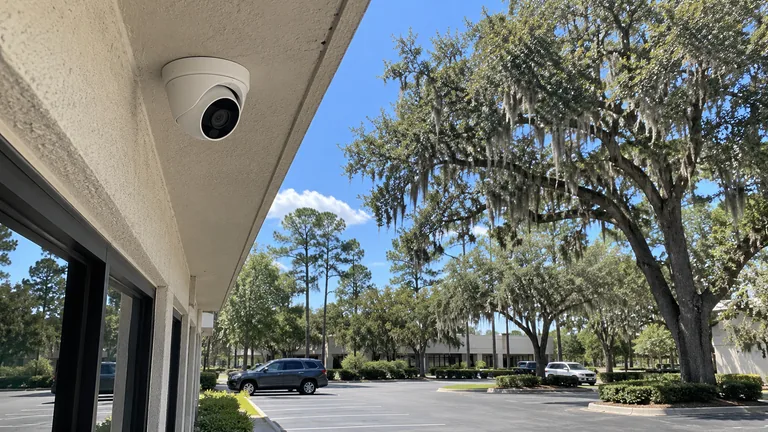
New Commercial Camera System
Describe the property, required scenes, recording and remote-viewing expectations, and any future expansion under consideration.
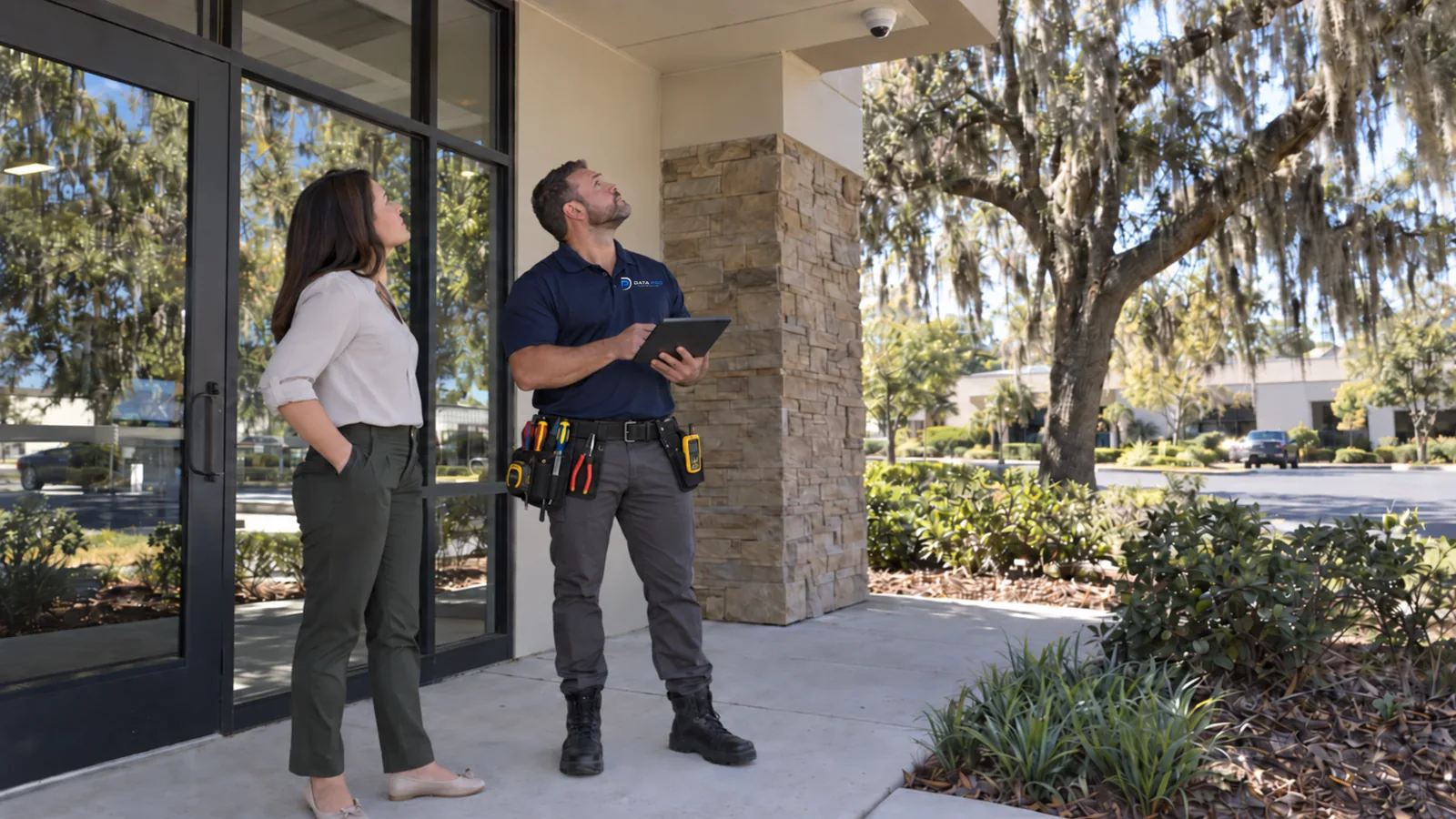
PROJECT CONSULTATION AND SITE SURVEY
Tell Data Pro Communications what the property needs, what system is already in place, and which areas or buildings are involved. The information helps identify whether the next step should be a project call, a document review, or an on-site survey.
Commercial camera systems remain the primary focus, with CCTV modernization, cabling, fiber, networks, access control, gate entry, outdoor links, and maintenance included when they are part of the same property requirement.
Use the form for a complete project summary, call when the need is easier to explain by conversation, or email supporting information that does not contain private system credentials.
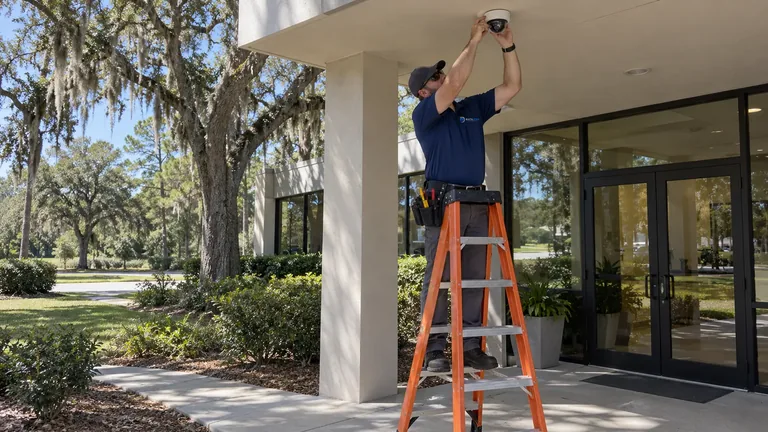
Project conversations and site surveys are scheduled directly after the request is reviewed. Availability, site access, property contacts, and the areas that need inspection are confirmed before a visit is placed on the calendar.
The form is not an emergency dispatch or alarm-monitoring channel, and it does not promise a fixed response time. Call the published Ocala number when the request needs prompt clarification.
Property address, property type, and the names of the people involved in approval, facilities, or IT decisions.
Areas that need live or recorded visibility, including entrances, loading zones, gates, yards, barns, detached buildings, or controlled rooms.
Current camera, recorder, software, cabling, switching, fiber, gate, access, or intercom equipment that may affect the work.
Desired outcome, such as new coverage, clearer identification, recorder replacement, remote viewing, plate capture, system repair, or expansion.
Project stage, construction schedule, access limitations, available plans, and any known need to preserve active operations.
Describe the property, required scenes, recording and remote-viewing expectations, and any future expansion under consideration.
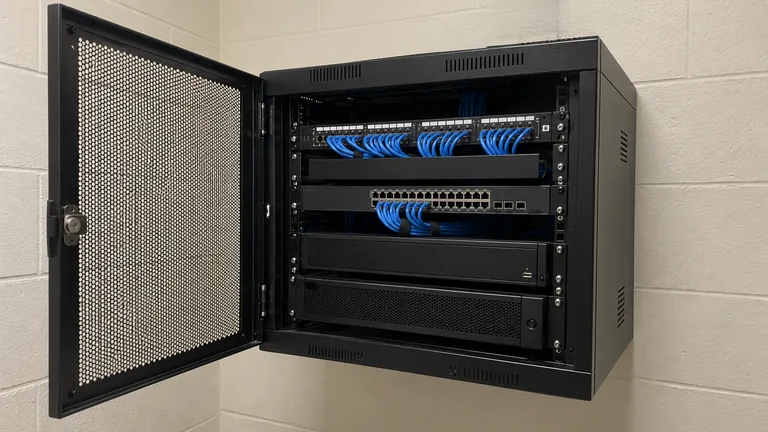
List analog, IP, or hybrid equipment, available coax or network cabling, current recorder information, and the functions that must remain available during changeover.
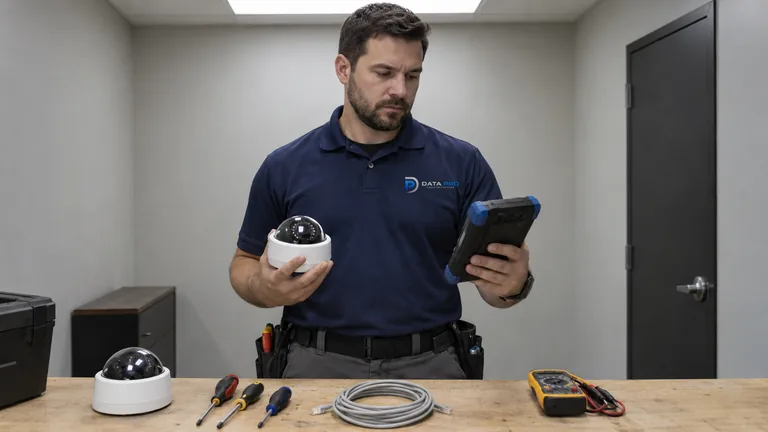
Explain the symptoms, affected devices, recent power or network changes, available administrator access, and whether recorded evidence is missing or unreliable.
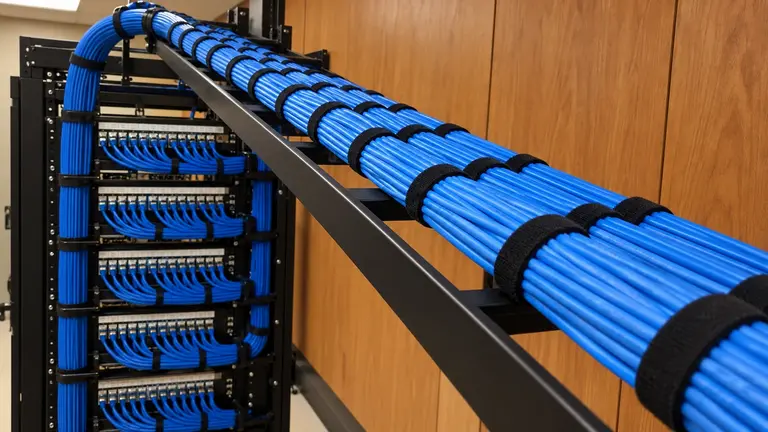
Identify buildings, telecom spaces, rack conditions, distances, pathway concerns, PoE demand, and the systems that will use the connection.
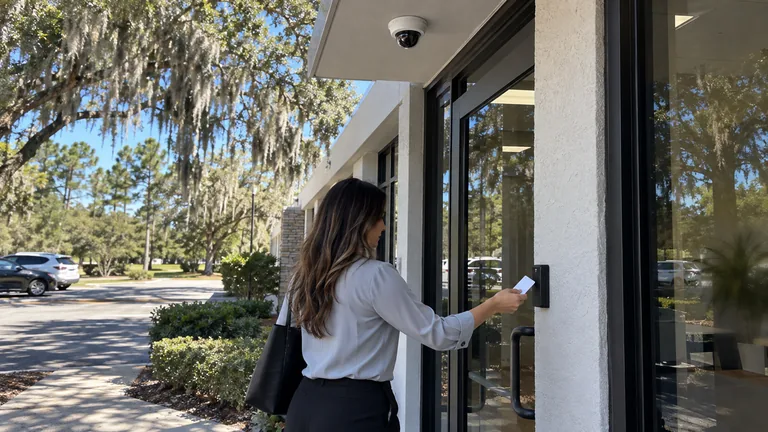
Describe doors or vehicle entrances, visitor workflow, credentials, release methods, existing operators or panels, and where associated video is needed.
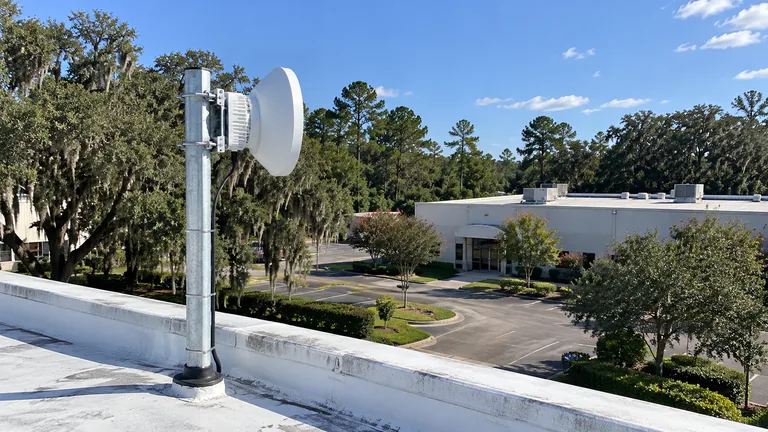
Provide the locations of detached barns, gatehouses, remote poles, yards, or buildings and note available line of sight, power, pathways, and approximate distance.
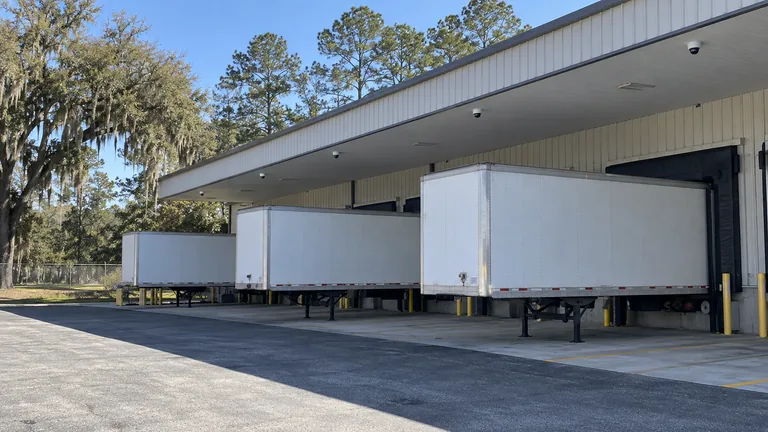
Note docks, truck courts, fenced yards, interior storage, gate lanes, operating hours, and the areas that require continuous evidence.
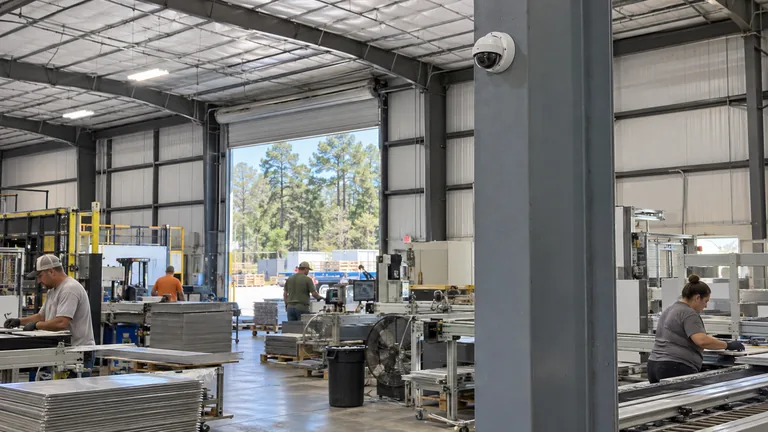
Identify production areas, exterior storage, equipment zones, remote structures, active hazards, and installation windows.
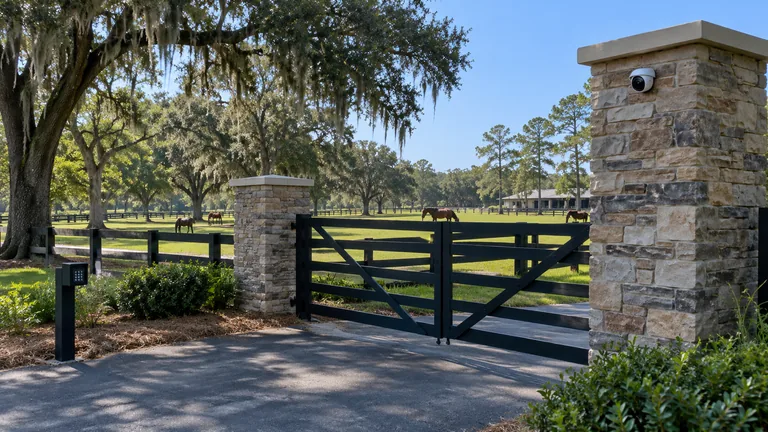
List gates, long driveways, barns, stables, arenas, training areas, detached buildings, and where internet or network service is currently available.
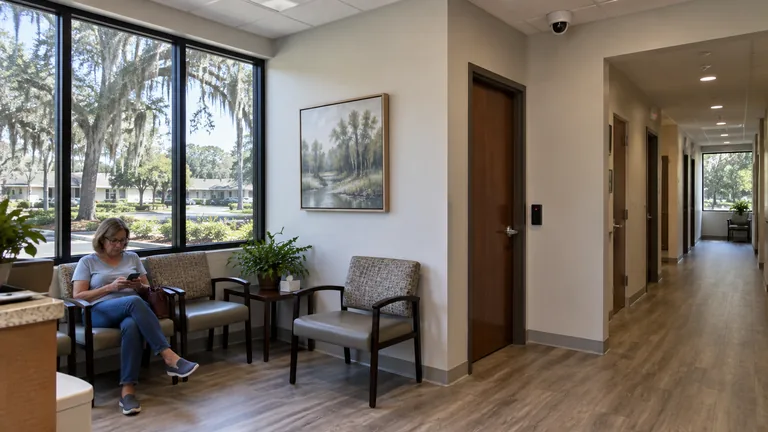
Explain public entrances, reception, staff access, controlled rooms, parking, occupied-work restrictions, and privacy-sensitive areas.
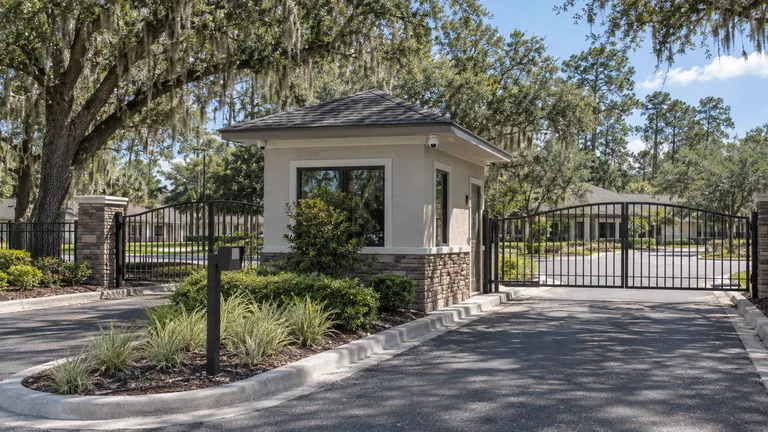
Describe common areas, amenities, leasing or management spaces, entrances, parking, gate operations, and who administers the system.
A useful timeline is a project stage rather than an artificial deadline. Select the description that best fits the work so planning can focus on the right information.
Early planning: defining coverage, infrastructure, and a realistic approach.
Budget development: comparing scope options before approval or funding.
Active procurement: coordinating a defined project, site access, and proposal requirements.
Construction or renovation: aligning pathways, equipment rooms, and installation milestones with other trades.
Existing-system issue: diagnosing a fault, upgrade need, or recording problem before a broader project decision.
The form and contact details use the Ocala address, phone, email, and FL License #EC13016138.
The request begins with required scenes, recording, current equipment, and property operations before supporting technologies are added.
Pathways, PoE, networks, fiber, racks, outdoor links, gates, and intercoms can be reviewed when they affect the camera or low-voltage project.
Passwords, access codes, alarm codes, and network credentials belong in a controlled technical exchange, not a general project form.
The request can cover an occupied Ocala office, a Marion County warehouse, an industrial yard, a healthcare property, a managed community, a construction site, or a professionally operated equestrian facility. Projects in Belleview, Dunnellon, Silver Springs, and Summerfield can also be discussed when the property fits the regional service area.
For rural or multi-building properties, include the distances between locations and the existing network or power points. Those details help determine whether a survey must examine fiber, outdoor wireless, remote equipment, or gate connectivity in addition to camera placement.
The property, system, desired outcome, locations, timing, and contacts are checked for the details needed to continue.
A follow-up conversation may address equipment, plans, access, infrastructure, users, or operating restrictions that were not clear in the request.
Depending on the project, the next step may be a phone discussion, review of supporting documents, or an on-site survey.
Quantities, pathways, placement, recording, and integration assumptions are developed only after the necessary property conditions are understood.
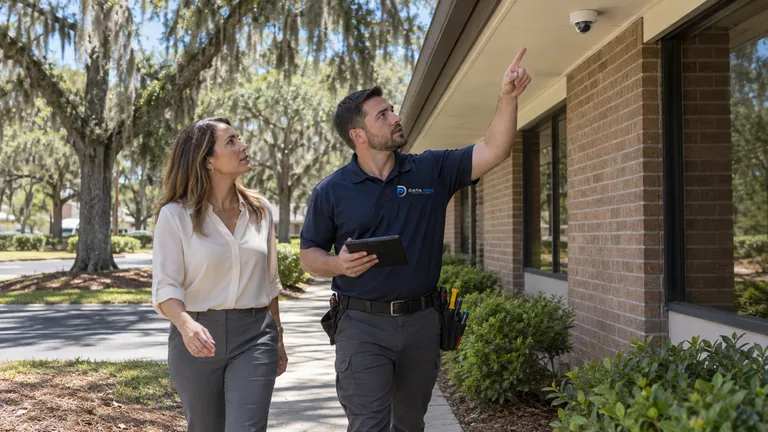
Use this path for new commercial video coverage, recording, remote viewing, commissioning, and documented handoff.
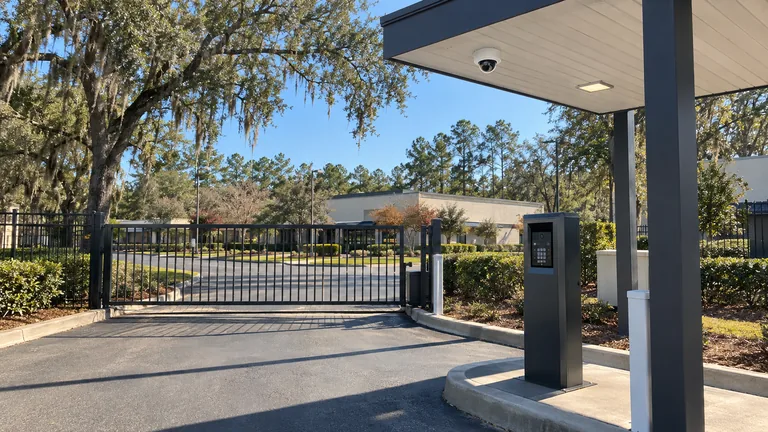
Use this path when a vehicle entrance, operator, credentials, safety devices, LPR, camera context, or visitor communication are part of the request.
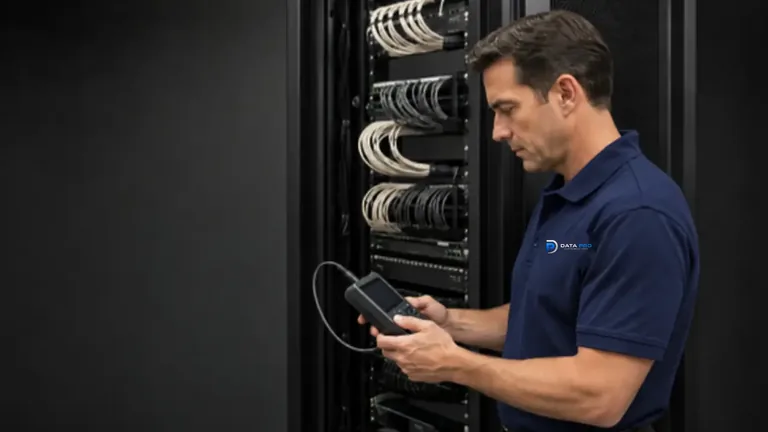
Use these services when a new camera or integrated-system project depends on verified pathways, longer-distance backbones, racks, or building-to-building connections.
Questions and answers
Include the property address, property type, areas that need coverage, current equipment, desired outcome, known cabling or network conditions, and the project stage. Photos or plans may help with an initial conversation, but they do not replace field verification.
Yes. Describe the current cameras, recorder or software, the problem being experienced, any recent network or power changes, and who has administrative access. Avoid sending passwords, access codes, or other sensitive credentials through the form.
Note the distance between structures, available pathways, power locations, gate or camera locations, and where the main network equipment is installed. The review may consider fiber or an outdoor point-to-point link when ordinary copper cabling is not suitable.
Yes. Provide the operating areas involved, such as docks, yards, gates, barns, training spaces, entrances, equipment zones, or detached buildings. Also mention vehicle patterns, lighting, working hours, and any areas that cannot tolerate service interruption.
No. It is more useful to explain the required views, operating concerns, existing system condition, and desired user workflow. Equipment selection follows the property requirements and verified infrastructure.
Yes. General contractors, property managers, facility teams, IT contacts, owners, and authorized project representatives can start the conversation. Identify the decision makers and any site-access or coordination requirements.
Scheduling is confirmed directly after the project information is reviewed. Availability, access, property contacts, and the areas that need inspection are coordinated before a visit is placed on the calendar.
An initial discussion may help define the likely scope, but dependable pricing often requires verified quantities, pathways, mounting conditions, network capacity, recording needs, and reuse decisions. Complex or multi-building properties usually need more field information.
No. The form is for project consultation, installation, upgrades, troubleshooting, and related low-voltage work. It does not promise emergency dispatch, alarm monitoring, or a specific response time.
The information is reviewed to identify the right project conversation and any missing details. The next step may be a phone discussion, a request for plans or photos, or coordination of a property survey.