
Room-purpose design
Equipment choices follow the people, content, seating, and operating pattern of the room.
Commercial Technology Solutions | Ocala and Marion County
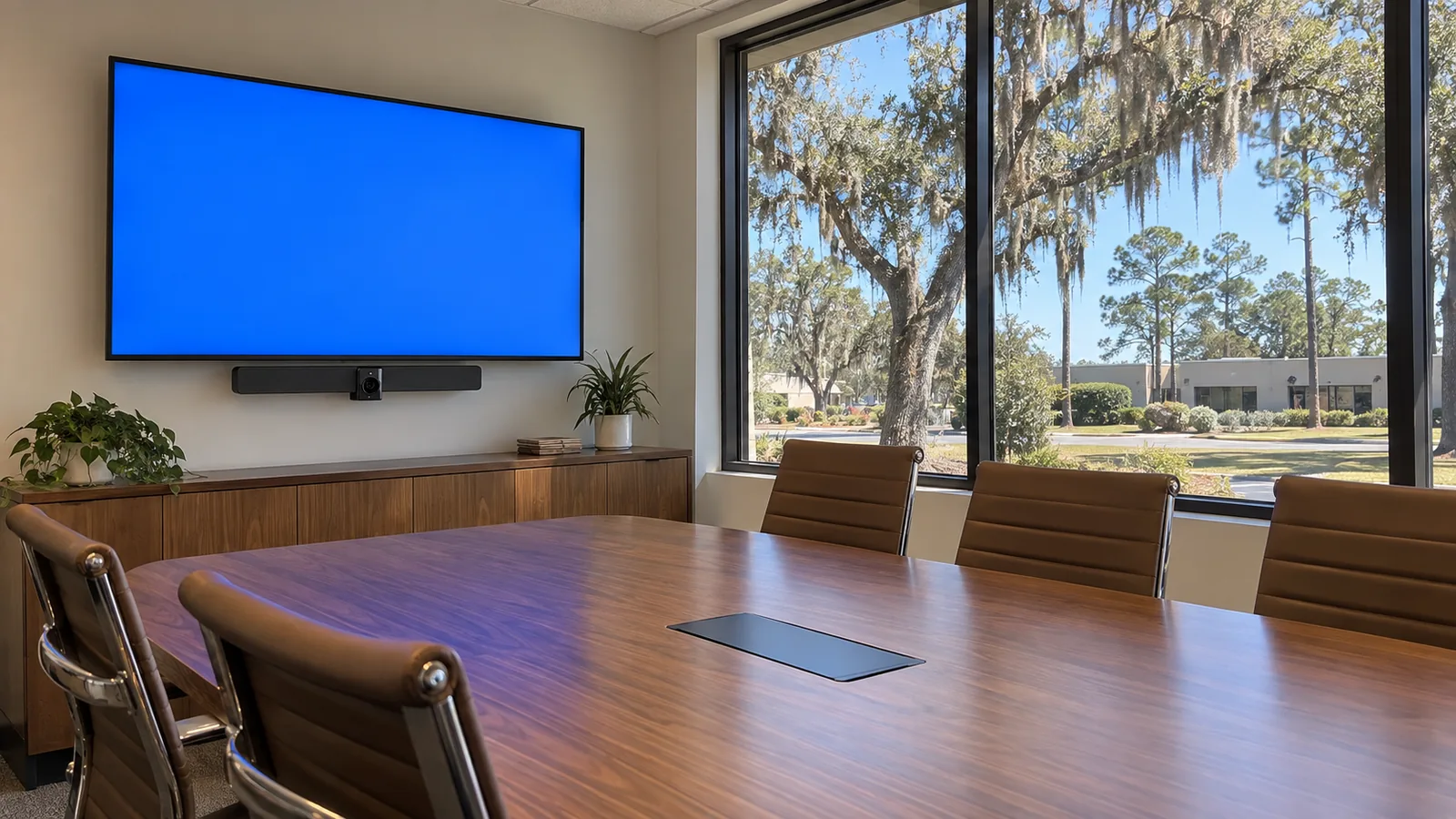
Commercial AV should make a room easier to use for meetings, presentations, training, and shared communication. The design begins with room function, audience, content sources, speech coverage, display visibility, conferencing needs, control expectations, and the staff who will operate the space.
Room technology should disappear into a predictable meeting or presentation routine. Sightlines, speech, content sources, remote participants, controls, and support ownership matter more than assembling the longest equipment list.
Equipment choices follow the people, content, seating, and operating pattern of the room.
Microphone pickup, loudspeaker coverage, display size, viewing angle, ambient light, and acoustics are considered together.
Controls are organized around common tasks rather than exposing every device function to each user.
FL License #EC13016138 is included as approved provider information without manufacturer-status claims.
A larger display does not solve poor sightlines, and more speakers do not solve untreated reflections or inconsistent coverage. Commercial AV planning coordinates the room, content, participants, devices, signal paths, network, power, mounting, and control sequence.
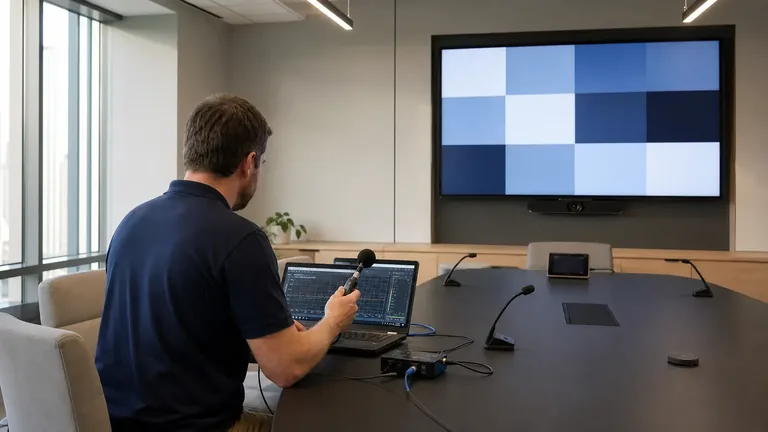
A boardroom, training room, divisible space, waiting area, and warehouse announcement zone have different audio, display, and control needs.
Distance, HVAC noise, reverberation, table layout, and multiple talkers can reduce far-end clarity.
Users lose time when laptop connections, wireless presentation, conferencing, signage, and room PCs lack a clear switching path.
A system can be technically capable but operationally weak when routine meetings demand complicated startup or manual input changes.
Size and place displays for viewing distance, content detail, ambient light, mounting conditions, and room use.
Coordinate microphones, echo management, loudspeakers, and far-end audio for the seating and acoustic environment.
Provide approved wired or wireless content paths for room computers, laptops, and other sources.
Plan zones, speaker types, amplification, volume control, and source management for shared commercial spaces.
Create understandable startup, source, volume, display, and call controls aligned with everyday workflows.
Document equipment, signal paths, network dependencies, power, ventilation, labeling, and service access.
Support in-room and remote participants with readable shared content and intelligible two-way speech.
Provide presenter inputs, audience visibility, microphone coverage, and straightforward session control.
Distribute appropriate content and audio without letting one zone’s volume or source disrupt another.
Build durable presentation and conferencing functions for shift meetings, safety briefings, and remote coordination.
Map seating, presenter position, display viewing angles, content detail, ambient light, and accessibility.
Consider room volume, finishes, background noise, talker distance, pickup pattern, and loudspeaker placement.
Define sources, destinations, resolution, transport, conferencing services, control, network, and content-security responsibilities.
Document how users start a local presentation, join a call, share content, adjust volume, end the session, and recover from a simple error.
Displays, codecs, control processors, and networked audio may depend on structured cabling and active network services. Their purpose remains collaboration and communication, not security observation or recorded surveillance.
Professional offices, healthcare training rooms, industrial briefing spaces, hospitality areas, and managed community rooms need different balances of speech, content, control, and operating simplicity. The room’s daily users should shape the design more than a generic equipment list.
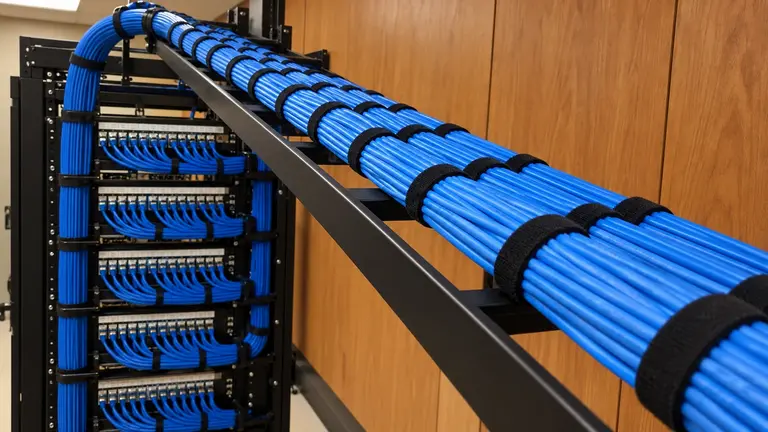
Provide labeled pathways and connections for displays, conferencing devices, control, and networked AV endpoints.
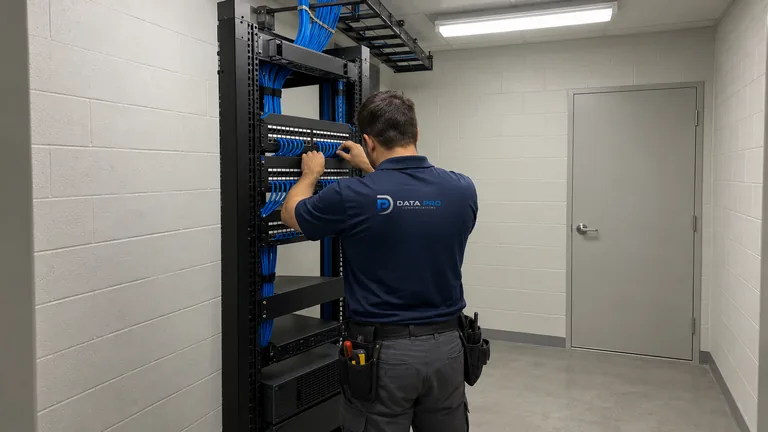
Coordinate switch ports, PoE, uplinks, segmentation inputs, and bandwidth for network-dependent AV.
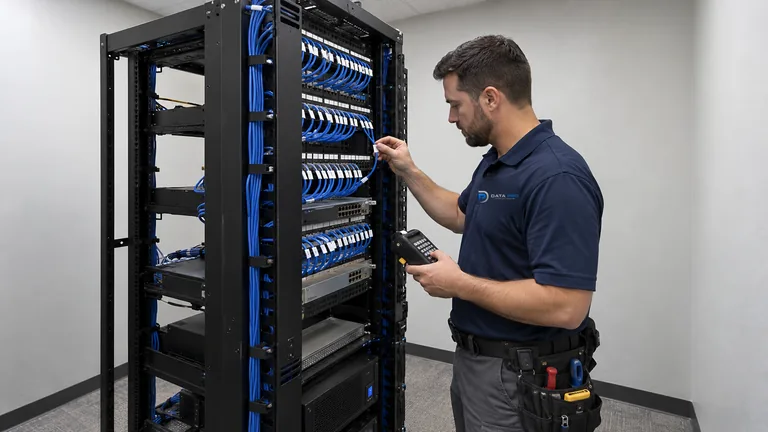
Organize recurring checks, documentation, and corrective priorities for installed AV and related systems.
Office leaders, trainers, facility teams, hospitality operators, managed properties, and industrial staff use commercial AV; this remains a supporting solution and is separate from video surveillance.
Identify participants, seating, content, presenters, remote callers, noise, light, and operational friction.
Select coverage, display, signal, conferencing, mounting, and control approaches for the room.
Mount equipment, connect signal paths, configure controls, balance audio, and coordinate network dependencies.
Run local presentations, conference calls, source changes, volume adjustments, and shutdown with the designated operators.
Data Pro Communications - Ocala is the local branch of Data Pro Communications serving Ocala and Marion County. Contact information: 603 E Fort King St, Suite 84, Ocala, FL 34471; (352) 517-4404; info@dataprocommunications.com. FL License #EC13016138.
Questions and answers
Commercial AV supports meetings, presentations, training, conferencing, and distributed audio, while video surveillance supports security monitoring, recording, and incident evidence. They serve different operational functions even when both use displays or network infrastructure.
Size depends on the farthest viewer, smallest content detail, room geometry, mounting location, ambient light, camera placement, and whether the room uses one or several displays.
Microphone distance, pickup pattern, reverberation, HVAC noise, table vibration, gain structure, echo control, network conditions, and people speaking away from the microphone can contribute.
Possibly, through a compatible room platform, appliance, computer, or bring-your-own-device workflow. Licensing, accounts, peripherals, user experience, and support ownership must be defined.
Security depends on the product, configuration, network placement, authentication, updates, guest workflow, and owner policy. Convenience should be reviewed with the responsible IT team.
It can support divisible rooms, common areas, hospitality spaces, clubhouses, training zones, or operational announcements when the source, zoning, volume, coverage, and policy are clear.
Reuse depends on condition, interfaces, resolution, mounting, power, impedance or amplification, control compatibility, serviceability, and whether the equipment supports the intended room experience.
Controls should expose common tasks in familiar language, provide clear status, limit unnecessary choices, and support predictable recovery. The design should be tested with the people who operate the room.
Many conferencing, control, streaming, and audio devices use the network. Port, PoE, bandwidth, VLAN, internet, account, and security needs should be coordinated without assuming the AV team owns the enterprise network.
Provide room dimensions, seating, use cases, content sources, conferencing platform, existing equipment, network and power information, ambient-light and noise concerns, construction schedule, and operator pain points.
Request a commercial AV review focused on sightlines, speech, content, conferencing, control, and serviceability.