
Retention Is Calculated from Real Streams
Camera bitrate, recording schedule, motion, resolution, codec, and redundancy shape usable storage capacity.
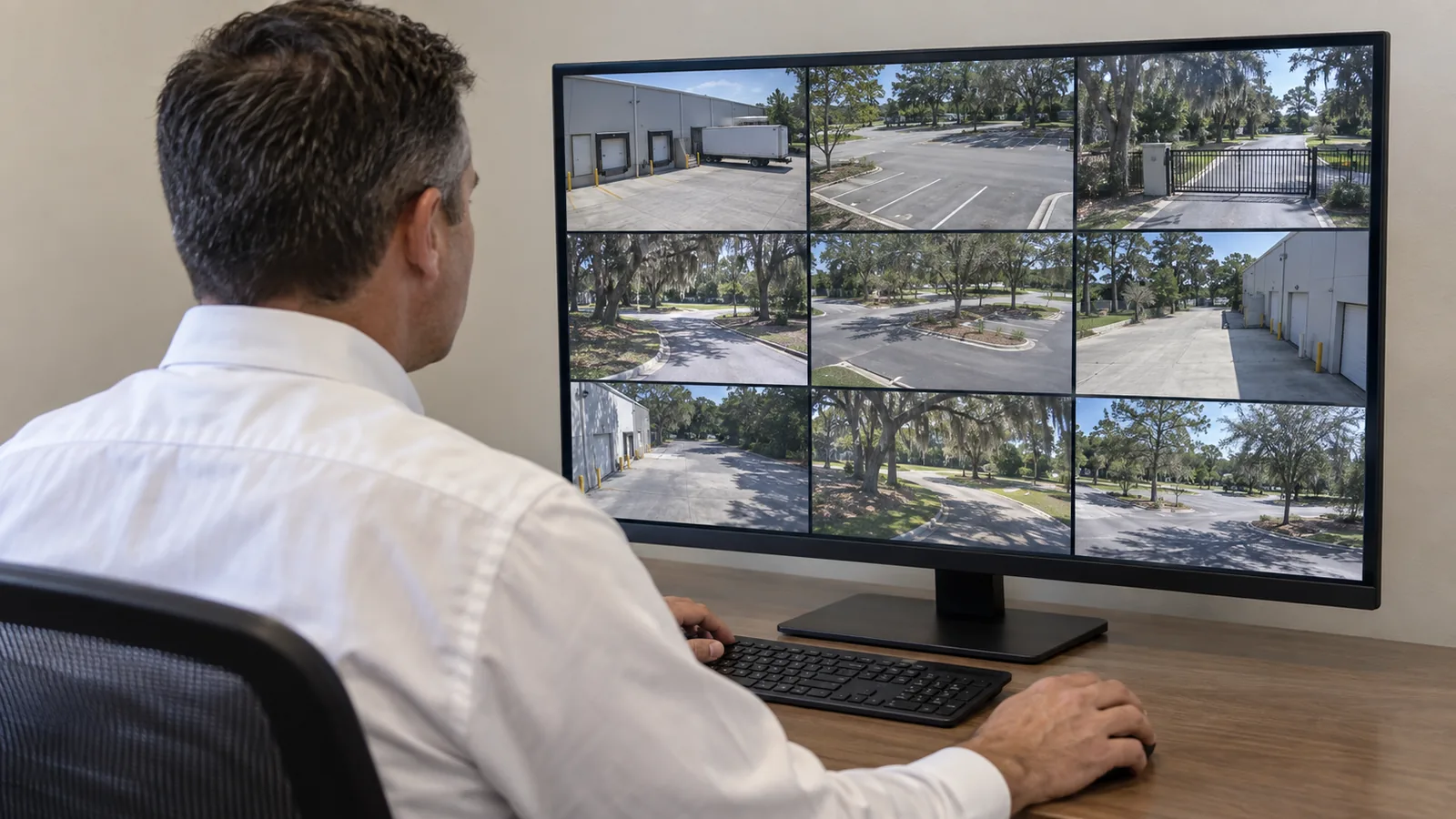
RECORDED EVIDENCE AND AUTHORIZED ACCESS
A camera system becomes operational evidence only when the recorder preserves the right time period, users can find the event, exports are usable, and access is limited to authorized people.
NVR and remote-viewing planning addresses storage, throughput, retention, playback, export, account ownership, internet dependencies, and access across one or several Ocala buildings.
Camera bitrate, recording schedule, motion, resolution, codec, and redundancy shape usable storage capacity.
Authorized users review event search, timeline behavior, playback, and export before the system is treated as operational.
Roles, credentials, multifactor options, recovery methods, and offboarding are organized around approved access.
Internet, firewall, platform services, licensing, client devices, and security policy can affect off-site viewing.
An NVR or VMS receives camera streams, writes recordings, indexes events, serves live and playback clients, supports exports, and enforces user permissions. Each function draws on processing, storage, network, and administrative resources.
Remote viewing is not simply a phone setting. The property must decide who may view which cameras, whether playback or export is allowed, how accounts are protected, and what happens when staff or vendors change.
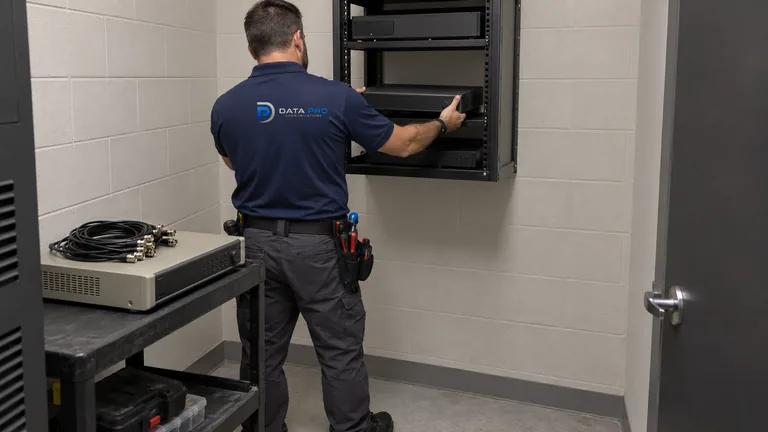
Actual bitrate, continuous recording, high motion, added cameras, failed drives, or reserved capacity can shorten the available history.
Recorder load, storage health, network throughput, client performance, stream selection, or time settings can make review difficult.
Proprietary formats, missing players, unclear timestamps, oversized files, or untested procedures can delay evidence sharing.
Shared credentials, former staff, lost devices, broad permissions, and undocumented recovery paths create operational and security risk.
Compare incoming camera load, recording profiles, live clients, playback, analytics, and export demand with recorder capacity.
Size usable storage around representative bitrates, schedules, motion, redundancy, reserve, and the required evidence window.
Organize search, bookmarks, timelines, event filters, file formats, players, naming, and verification for authorized reviewers.
Create appropriate roles, limit camera access, protect credentials, enable supported multifactor controls, and document account recovery.
Present cameras from remote buildings or sites through an approved network and platform design without confusing central viewing with local outage resilience.
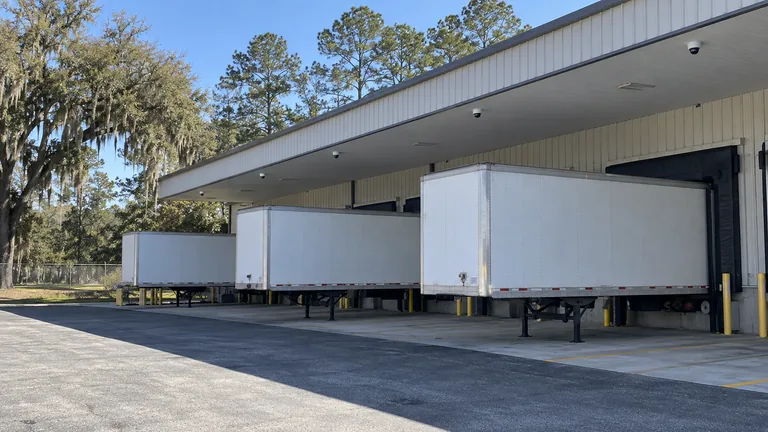
Search dock, yard, and aisle cameras across a defined time window, then export the relevant views with clear timestamps.
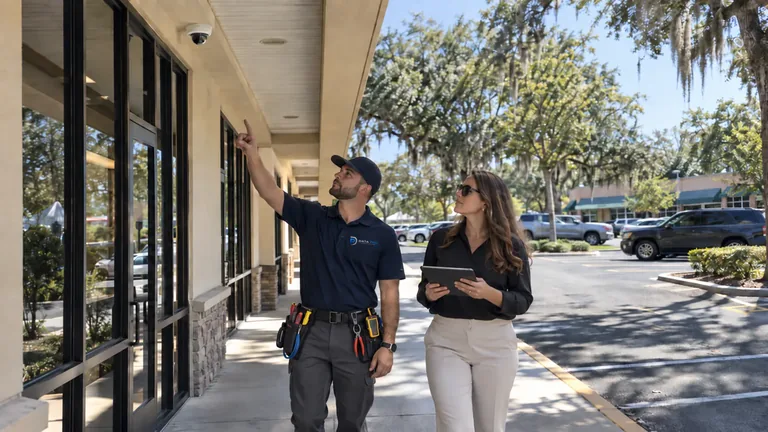
Provide limited live or playback access to approved communities or buildings without sharing a master administrator account.
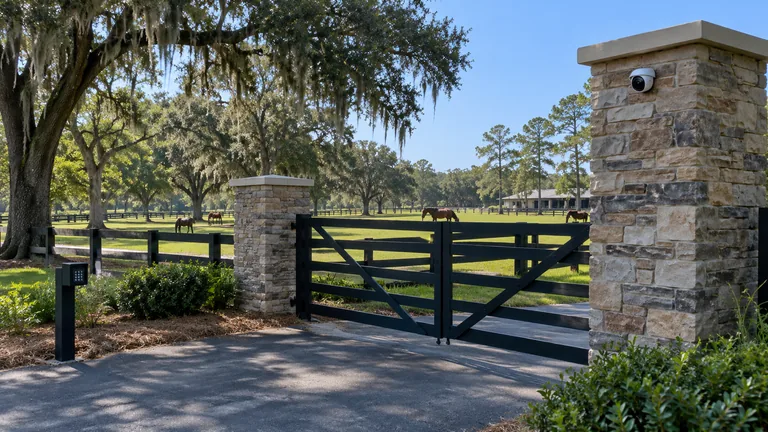
Review gates, barns, arenas, and remote structures from an authorized client while accounting for uplink and recorder dependencies.
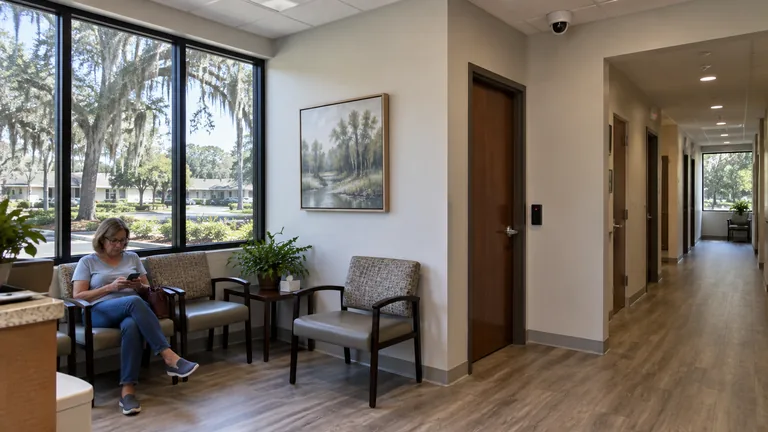
Use named users and controlled exports for entrances, reception, parking, or non-clinical operational areas.
Measure the combined stream load and recording mode expected during high-activity periods, not only a nominal camera limit.
Account for drive capacity, formatting, RAID or redundancy where used, health reserve, event databases, and practical replacement planning.
Keep recorder, cameras, and clients synchronized so search results, exports, and event comparisons use reliable timestamps.
Document internet path, firewall or relay method, licensing, client compatibility, bandwidth, account security, and support ownership.
IP Video Surveillance delivers camera streams across PoE, switches, and uplinks. The recorder service decides how those streams are written, retained, searched, exported, and presented to users.
Analytics may add event markers or search filters, while access-control or gate events may provide timestamps for review. The NVR remains responsible for video evidence behavior rather than entry authorization.
A distribution property may need rapid review from docks, yards, and interior aisles while maintaining longer retention for selected entrances. A professional office may need fewer cameras but tighter user permissions and a simpler export procedure.
Large Marion County properties can place cameras at barns, gates, remote poles, or detached buildings. Central viewing depends on the links back to the recorder, and the plan should state what remains available during a building or backbone outage.
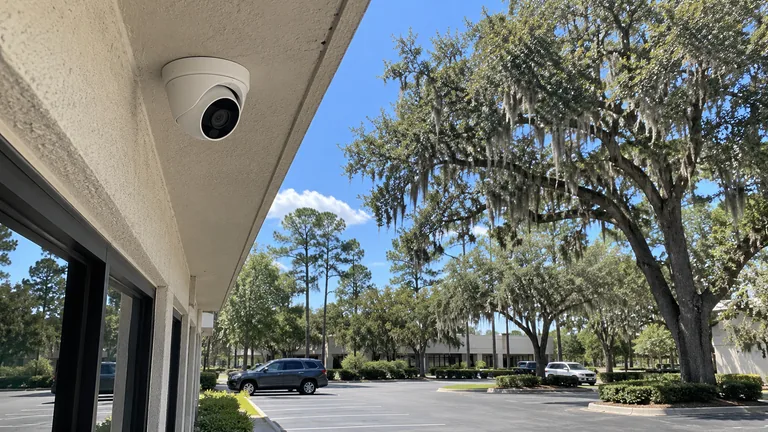
Review stream transport, PoE, switch, bandwidth, and backbone conditions that deliver camera video to the recorder.
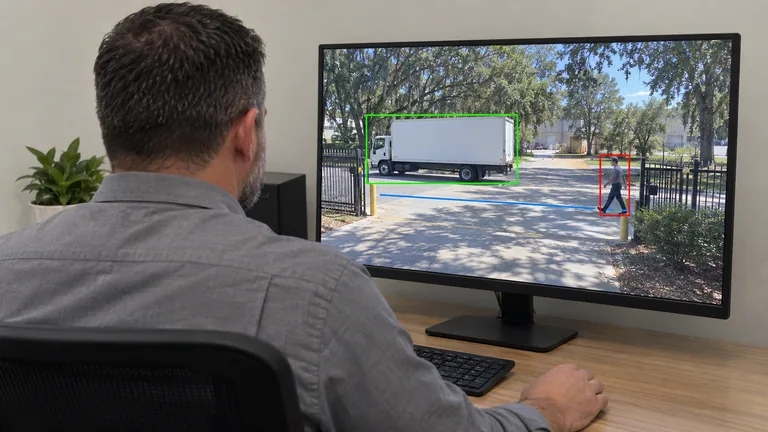
Add supported event metadata and search behavior when the property has a defined operational question and a qualified scene.
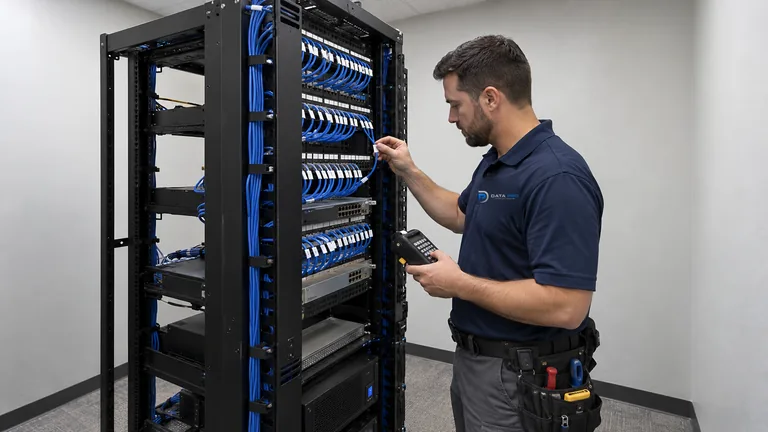
Consider recorder, storage, client, or remote-access modernization when the current platform cannot meet the required evidence workflow.
Recording and access planning matters for logistics teams reviewing dock events, property managers serving several buildings, professional offices controlling exports, and large-site operators who need authorized review from remote locations.
Identify who reviews video, which scenes matter, the required history, export use, and remote-access roles.
Inventory recording profiles, bitrates, schedules, cameras, analytics, clients, and current storage behavior.
Apply approved retention, recording, user roles, remote access, time, health alerts, and export settings.
Use representative events to confirm playback, timeline, file creation, viewing method, timestamps, and authorized access.
Data Pro Communications operates under FL License #EC13016138. The customer organization remains responsible for authorizing users, preserving credentials, applying retention policy, and determining appropriate handling of exported video.
Questions and answers
Storage depends on camera bitrate, resolution, codec, frame rate, scene activity, recording schedule, retention target, redundancy, and reserve. Representative settings should be modeled.
Added cameras, higher bitrates, continuous recording, motion, reduced usable drive capacity, failed storage, or changed retention settings can shorten history.
Supported platforms can assign roles and camera permissions. The access model should also address playback, export, administration, account recovery, and staff changes.
Requirements may include an internet path, platform support, licenses, firewall or relay configuration, client compatibility, bandwidth, credentials, and supported security controls.
Local recording may continue when cameras, switches, and the recorder remain operational, but off-site access generally depends on the relevant internet and network path.
The appropriate period depends on operational review cycles, risk, storage, policy, and legal guidance. No single retention period is suitable for every property.
That depends on the export format, codec, included player, permissions, and file integrity. The export workflow should be tested before an urgent request.
Possible causes include recorder load, storage health, high-resolution stream decoding, network throughput, client hardware, simultaneous users, or damaged recording segments.
They can when network paths, throughput, storage, outage boundaries, addressing, and security support central recording. Some designs may benefit from local recording resilience.
No. IP Video defines camera network transport. NVR & Remote Viewing defines recording, retention, playback, export, permissions, and authorized access.
Share the camera count, recorder, desired retention, current playback or export problems, remote users, and building layout to begin an NVR and access review.