
Symptoms Are Reproduced
The review records when the fault occurs, which users see it, and whether live, recorded, or remote behavior differs.
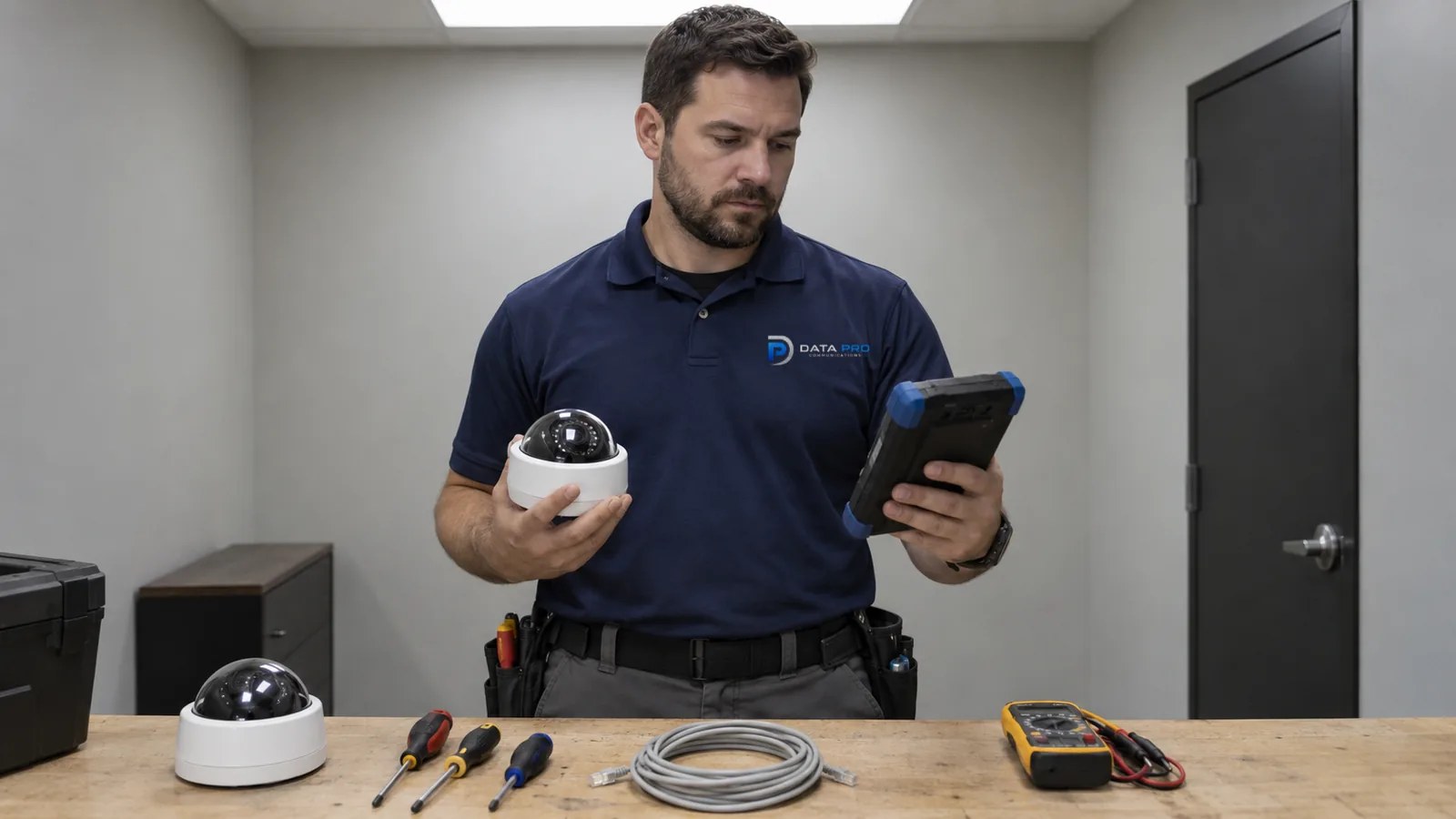
FAULT ISOLATION FOR EXISTING SYSTEMS
An offline camera, intermittent stream, missing recording, poor night image, or failed remote login can originate in a different layer than the symptom suggests.
Troubleshooting follows the evidence through the camera, power, cable, switch, network, recorder, storage, configuration, and remote-access path before repair or replacement is recommended.
The review records when the fault occurs, which users see it, and whether live, recorded, or remote behavior differs.
Device, power, pathway, switch, recorder, storage, settings, and access are narrowed through observations and measurements.
A reboot or reconnection is not presented as a completed repair when the underlying cause remains unknown.
Corrected components, retained risks, inaccessible equipment, credentials, and recommended follow-up are recorded.
A black image may come from a failed camera, lost PoE, damaged cable, switch port, configuration, recorder channel, or client display. Intermittent video may require time-correlated evidence from several layers before the failure appears.
The diagnostic goal is to isolate the fault far enough to support a correction decision. If the system is undocumented, incompatible, inaccessible, or broadly end-of-life, the result may be a modernization recommendation rather than an unsupported repair promise.
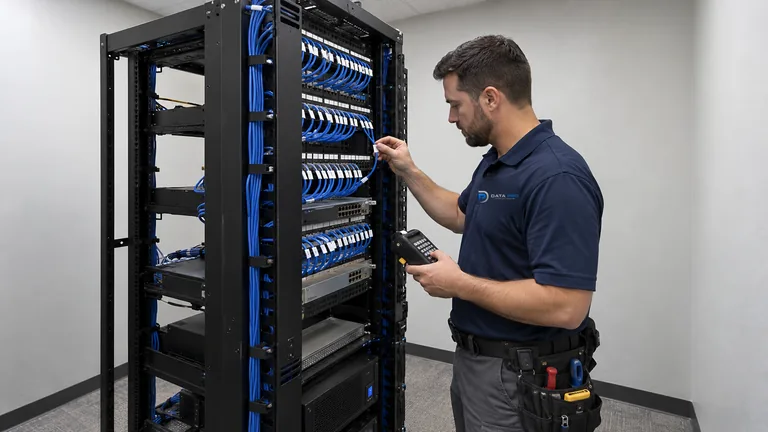
A marginal port, connector, power supply, surge event, or load change can drop a camera only under certain conditions.
Moisture, corrosion, damaged pairs, loose terminations, excessive distance, or movement can affect the link while the visible device looks normal.
A live camera can appear healthy even when recording has stopped, drives are degraded, channels are misconfigured, or retention is incomplete.
Internet, firewall, relay service, account, certificate, client, licensing, or password changes can block access while local video continues.
Check device power, link, status, focus, lens obstruction, exposure, infrared behavior, firmware, and local stream output.
Inspect PoE negotiation, voltage, injector or power supply, connectors, cable condition, distance, patching, and weather exposure.
Review port status, errors, addressing, VLAN, uplink, duplicate addresses, bandwidth, and reachability between camera and recorder.
Compare channel state, incoming stream, recording schedule, disk health, database, time, throughput, and playback behavior.
Examine credentials, permissions, client software, firewall or relay path, licensing, notifications, and recent administrative changes.
Compare device power, port link, cable continuity, addressing, and recorder channel while using known-good substitutions carefully.
Inspect exterior connections, enclosures, moisture, thermal conditions, power, wireless paths, and event timing rather than relying on a dry-day reboot.
Separate live stream health from recording schedule, storage condition, time settings, recorder load, and retention behavior.
Verify local operation first, then trace account, client, internet, firewall, relay, licensing, and platform changes.
Record first occurrence, frequency, duration, weather, building activity, power events, network work, and whether the symptom recovers by itself.
Determine whether one camera, one switch, one building, one recorder, one user, or every remote client shares the failure.
Use documented ports, cables, power sources, streams, or clients to narrow the fault without changing several variables at once.
Collect device status, switch events, PoE readings, storage health, recorder alarms, cable results, and access errors where the platform exposes them.
Broader switch, routing, firewall, internet, and wireless conditions may require Network Infrastructure work. Fiber and point-to-point links can create a building-wide symptom when a backbone or remote power source fails.
Service & Maintenance provides ongoing preventive inspection, documentation, and lifecycle support after an immediate issue is stabilized. Troubleshooting focuses on diagnosing and correcting the specific active fault.
Warehouses and industrial yards can expose cameras, connectors, switches, and power equipment to heat, moisture, dust, vibration, vehicle contact, and surge conditions. Failure timing is valuable evidence.
Barns, gates, remote poles, and detached buildings add longer power and network paths. A camera reported offline may actually be revealing a failed building uplink, outdoor bridge, local switch, or equipment enclosure.
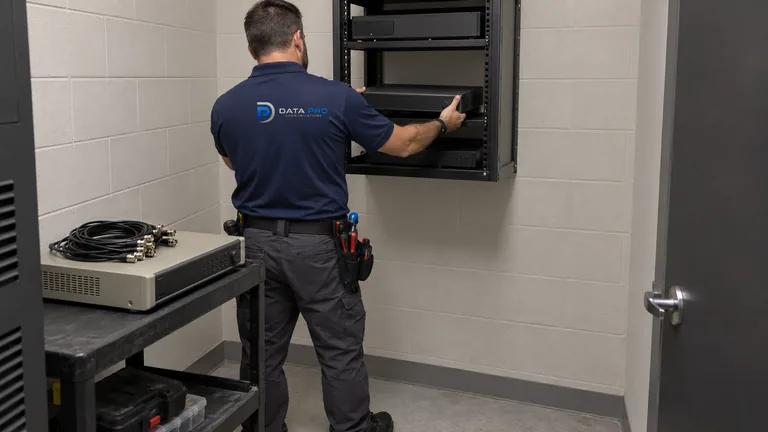
Use an upgrade scope when diagnosis shows that broader capacity, compatibility, coverage, storage, or end-of-life conditions warrant planned modernization.
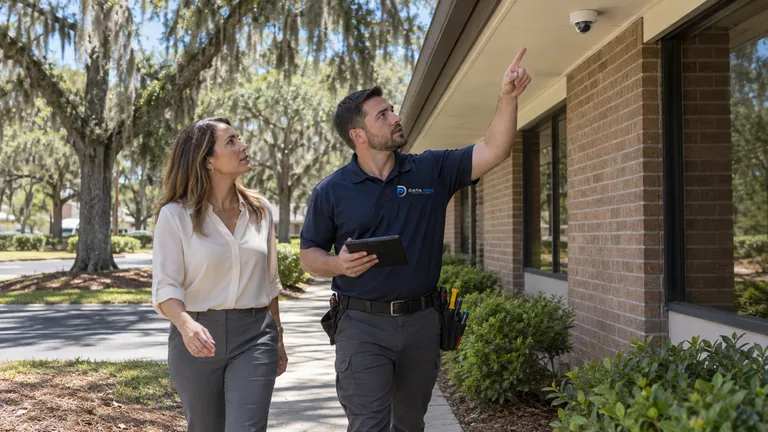
Use the maintenance solution for recurring preventive checks, lifecycle documentation, and ongoing cross-system support after the immediate issue is stabilized.
Use the recording service when the main problem is retention, playback, export, user permissions, or remote-access workflow rather than a device fault.
Exterior industrial cameras, warehouse switches, remote barns, gated entrances, and occupied professional systems expose equipment to different power, weather, network, access, and operating conditions that guide fault isolation.
Record what users observe, where, when, how often, and which recent site or system changes may be relevant.
Separate device, power, cable, network, recorder, storage, configuration, and remote-path possibilities with targeted checks.
Repair, replace, reterminate, reconfigure, or escalate the affected layer within the approved scope.
Confirm the original symptom no longer appears, then review live, recorded, and remote behavior applicable to the fault.
Data Pro Communications operates under FL License #EC13016138. Diagnosis may be limited by inaccessible equipment, unavailable credentials, proprietary platforms, unsafe conditions, obsolete parts, or faults that are not present during the review.
Questions and answers
Provide the camera location, first failure time, whether it is constant or intermittent, nearby power or network changes, recorder status, and whether other devices on the same switch are affected.
Yes. The live stream may work while recording schedule, recorder channel, storage, database, time, licensing, or throughput prevents usable recording.
Possible causes include PoE load changes from infrared, exposure settings, illuminator reflection, insects, moisture, lighting transitions, power supply weakness, or temperature-related faults.
Yes. Loose terminations, corrosion, moisture, damaged pairs, excessive distance, movement, patching, or electrical exposure can create intermittent link or power behavior.
Internet, firewall, relay service, certificates, licensing, credentials, account permissions, client updates, addressing, or recorder network settings can break the remote path.
A reboot may temporarily restore service, but it does not identify the underlying cause. Repeated recovery after reboot is evidence that should be investigated.
Existing systems may be evaluated when equipment access, credentials, documentation, platform support, parts, safety, and scope allow meaningful diagnosis. Repair is not promised before review.
The diagnostic review may need to build a working inventory of cameras, ports, pathways, recorder channels, accounts, and network locations before the fault can be isolated.
An upgrade may be appropriate when faults reflect broad end-of-life equipment, unsupported platforms, insufficient capacity, incompatible generations, recurring failures, or expansion needs.
No. Troubleshooting addresses a specific fault. Service & Maintenance covers recurring preventive review, documentation, and lifecycle support under a separate solution scope.
Share the affected cameras or functions, timing, recent changes, system equipment, and any available error messages to begin fault isolation.